Published
March 23, 2026
Why OCR benchmarks often look good on demo files and fall apart on real scanned documents, and what to test instead.
Benchmark demos fail on real scanned documents for one simple reason:
the files in the benchmark are often cleaner than the files in production.
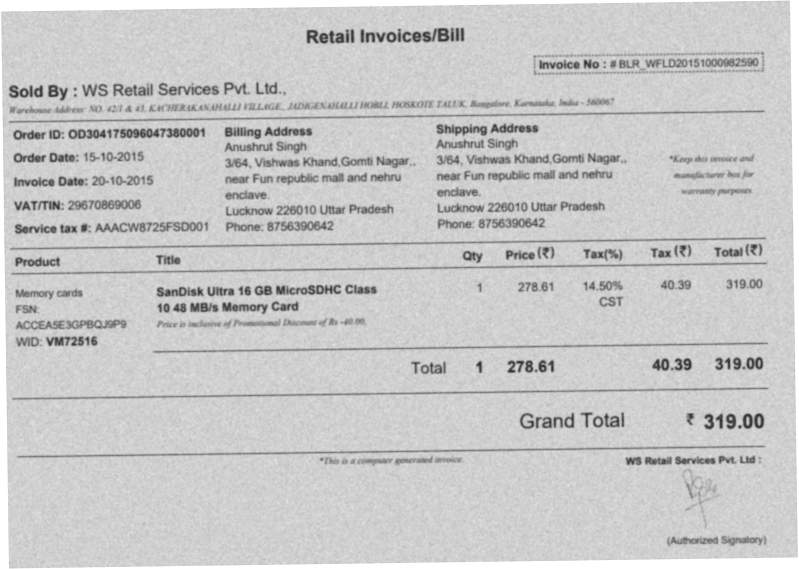 A page like this tells you more about production fit than ten clean demo PDFs ever will.
That means:
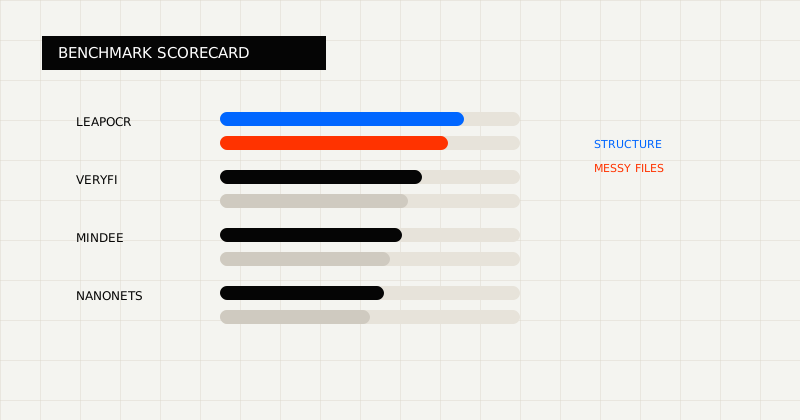 FIG 1.0 - Benchmark scorecard centered on messy files, structure retention, and cleanup burden.
Real scanned documents bring:
That is where many polished demos stop looking so polished.
Real production queues also add workflow pressure that demo sets rarely model:
So the true question is not “can the model read a clean scan?” It is “what happens when the hard pages show up?”
Demo benchmarks often hide the exact variables that decide whether an OCR rollout works:
That is why a pretty benchmark can still produce an ugly rollout.
Use:
Then measure:
If the workflow feeds finance, logistics, underwriting, or another operational system, also measure whether the output contract already fits the downstream schema or still needs another parsing layer.
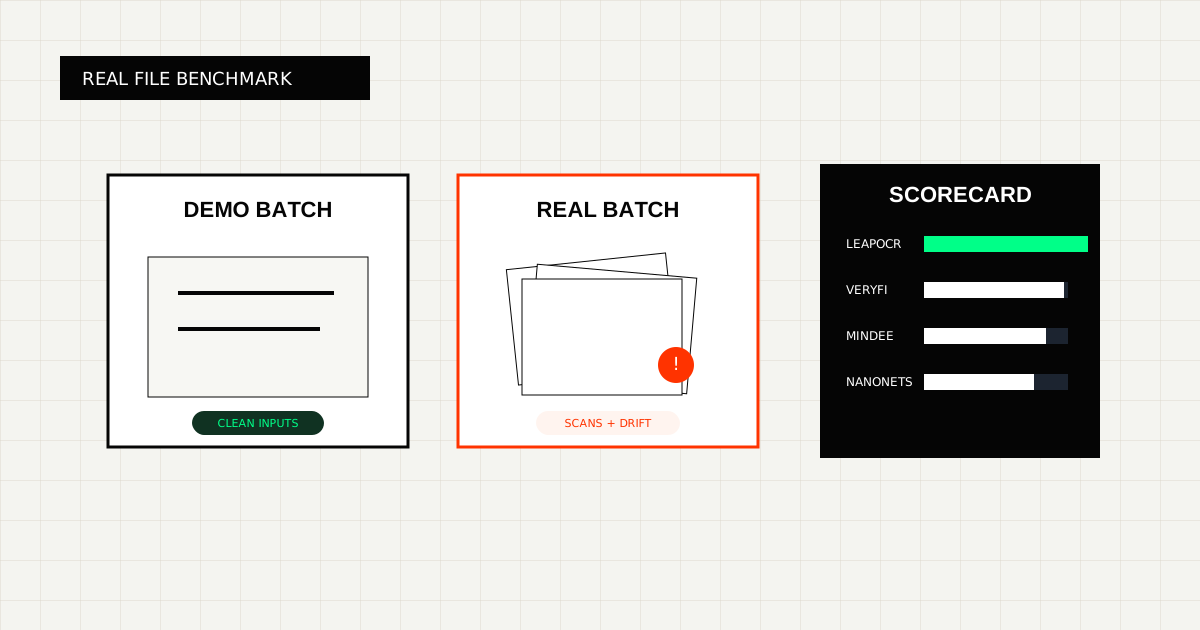
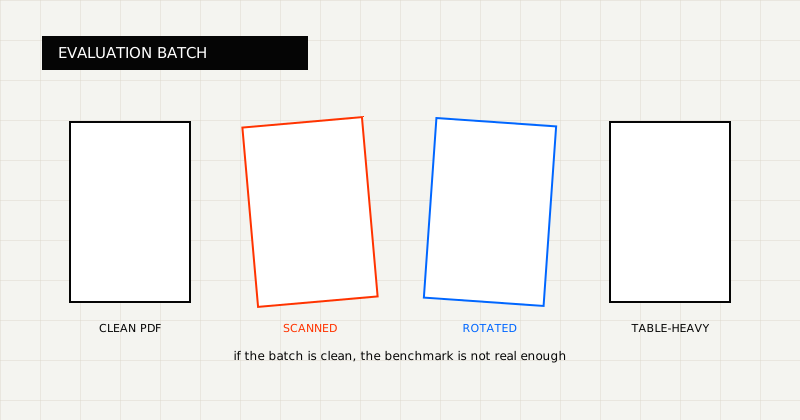 FIG 2.0 - Evaluation batch design showing why real scanned documents break polished demo results.
Build a set that includes:
That mix will tell you far more than a sanitized demo set.
At minimum, score:
That last line is the one most polished demos hide, and it is often the one that matters most in production.
LeapOCR is positioned around this exact production-first view of OCR:
That matters because the winning product is not the one with the prettiest sample. It is the one that removes the most operational cleanup from real files.
The benchmark that matters is the one that makes your ugliest real files part of the test set.
Try LeapOCR on your own documents
Eligible paid plans include a 3-day trial with 100 credits after you add a credit card, so you can test actual PDFs, scans, and forms before committing to a rollout.
Keep reading
More implementation guides, benchmarks, and workflow notes for teams building document pipelines.
An honest guide to invoice OCR APIs for developers, with a focus on workflow ownership, line items, and downstream fit.
An honest guide to the best OCR APIs for scanned PDFs, with emphasis on messy file quality, output shape, and production workflows.
An honest roundup of developer-facing PDF parser and OCR tools, focused on where they fit best and where scanned, messy documents change the decision.