Published
March 23, 2026
An honest guide to invoice OCR APIs for developers, with a focus on workflow ownership, line items, and downstream fit.
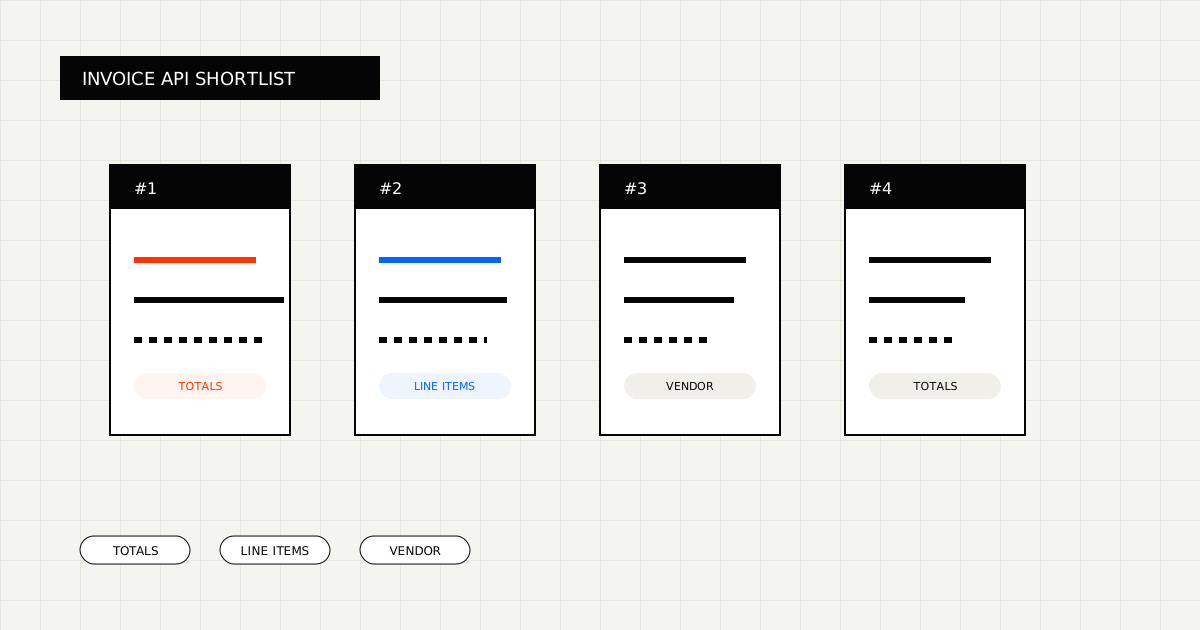
The best invoice OCR API for developers is usually not the one with the broadest feature grid.
It is the one that leaves the least cleanup after extraction and fits the application or finance workflow you already own.
 Invoice OCR gets interesting when header fields, line items, taxes, and totals all need to survive the same extraction pass.
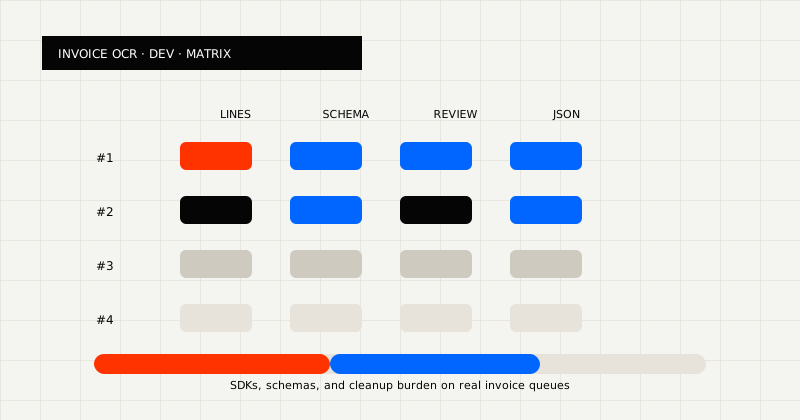 FIG 1.0 - Evaluation matrix for invoice APIs for developers: line items, schema, review, and JSON.
In practice, invoice OCR products split into three groups:
Those categories can look similar at first, but they are not the same product shape.
Best for teams that want one OCR layer for markdown, schema-fit JSON, and messy invoice queues.
LeapOCR is strongest when:
What stands out:
Best for invoice- and expense-heavy finance workflows.
Veryfi is a credible choice when the center of gravity is tightly finance-specific extraction and the team wants a narrower invoice-first product shape.
Best for developers who want a polished document-processing API experience.
Mindee is often attractive when API packaging, documentation, and productized endpoints are part of the buying criteria, not just the raw extraction result.
Best for buyers looking at broader OCR plus workflow-automation SaaS.
Nanonets makes sense when the team wants more workflow product around OCR rather than a narrower extraction layer.
Best for buyers who are closer to a larger AP or data-capture platform purchase.
These products can be strong when the company wants to move higher in the stack than a developer-owned extraction API.
If you want to benchmark the shortlist directly, these are reasonable product pages to compare:
They belong on the list because they represent different product shapes:
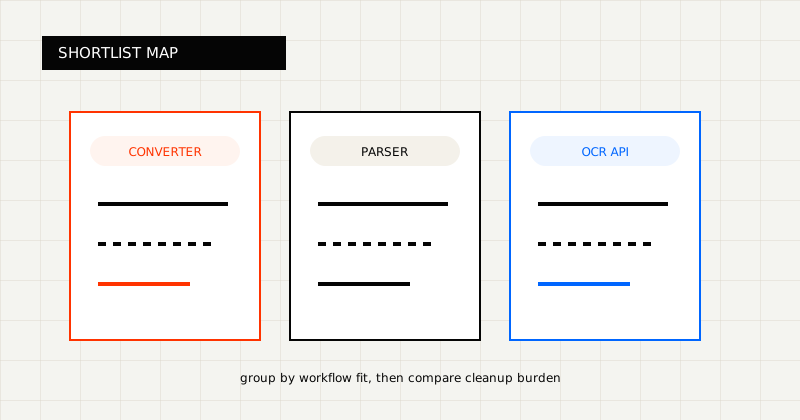 FIG 2.0 - Shortlist grouped by workflow fit.
Ask these questions first:
Those questions separate a quick demo from a production rollout.
You should also ask whether you need one output mode or two. A lot of invoice workflows want structured JSON for the system of record, but still need readable output for human review. That requirement alone narrows the field quickly.
LeapOCR is the stronger fit when:
It is also strong when you want to customize the output instead of only accepting the vendor’s default interpretation. For example:
YYYY-MM-DDnullThat flexibility matters because invoice workflows usually do not break on clean examples. They break on vendor-specific rows, low-quality scans, and the last 10% of cases that a generic demo skips.
Useful pages:
If you are evaluating vendors, do not only compare whether they find the invoice number and total on a sample PDF.
Use a batch that includes:
Then measure:
That benchmark tells you far more than almost any feature matrix.
For developers, the right invoice OCR API is the one that fits the workflow boundary you want.
If your system owns the workflow and the output must be trustworthy, optimize for schema-fit extraction and line-item quality, not just invoice recognition in the abstract.
Try LeapOCR on your own documents
Eligible paid plans include a 3-day trial with 100 credits after you add a credit card, so you can test actual PDFs, scans, and forms before committing to a rollout.
Keep reading
More implementation guides, benchmarks, and workflow notes for teams building document pipelines.
An honest guide to invoice OCR APIs for AP teams, including when to choose a finance-specific tool, a broader workflow platform, or a schema-first OCR layer.
An honest guide to the best OCR APIs for scanned PDFs, with emphasis on messy file quality, output shape, and production workflows.
An honest roundup of developer-facing PDF parser and OCR tools, focused on where they fit best and where scanned, messy documents change the decision.