Published
March 23, 2026
An honest guide to the best OCR APIs for scanned PDFs, with emphasis on messy file quality, output shape, and production workflows.
Scanned PDFs are where parser-first demos and production workflows start to separate.
On clean digital files, many tools look interchangeable. On image-heavy, low-quality, or warped PDFs, the differences get obvious quickly.
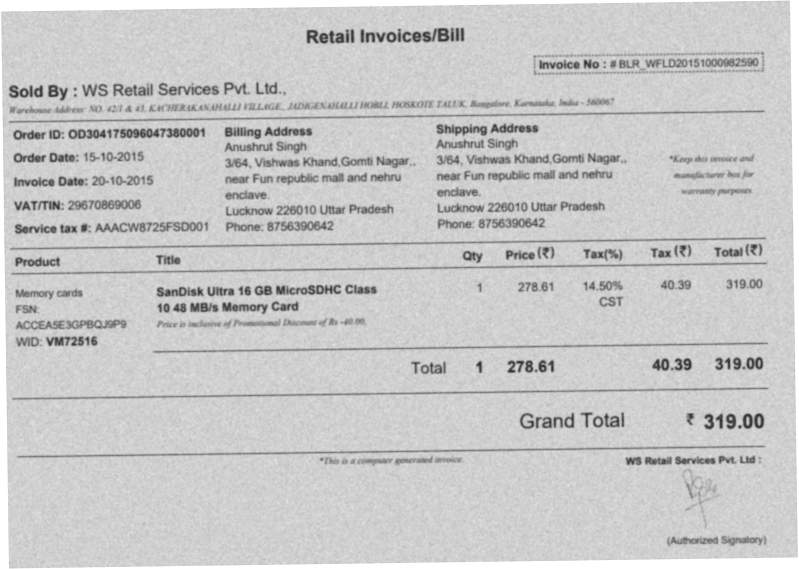 This is the kind of file that exposes whether a product is built for polished demos or actual scanned-document queues.
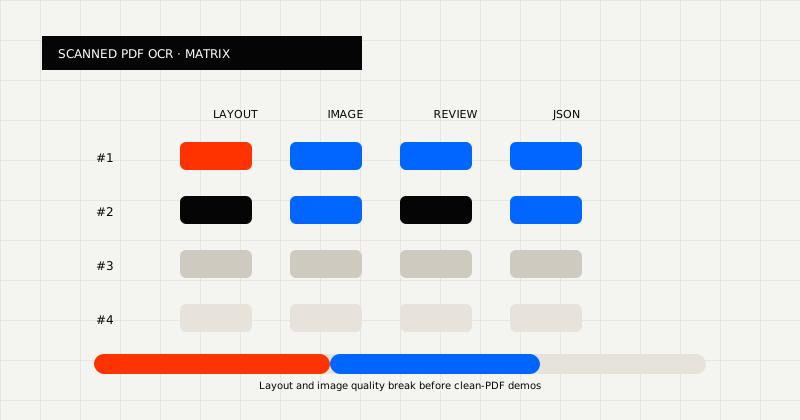 FIG 1.0 - Evaluation matrix for scanned PDF OCR: layout, image quality, review, and JSON.
Scanned PDFs are difficult because the PDF container gives a false sense of structure. The file looks like a document, but the page may really be:
That means the real problem is not “PDF parsing” in the abstract. It is layout recovery, text recognition, table preservation, and output shaping under poor conditions.
Before choosing a tool, ask:
You should also ask whether reviewers need a page they can still inspect. In many real workflows, readable output is still part of the product requirement.
For scanned PDFs, the main groups are:
Public pages worth benchmarking:
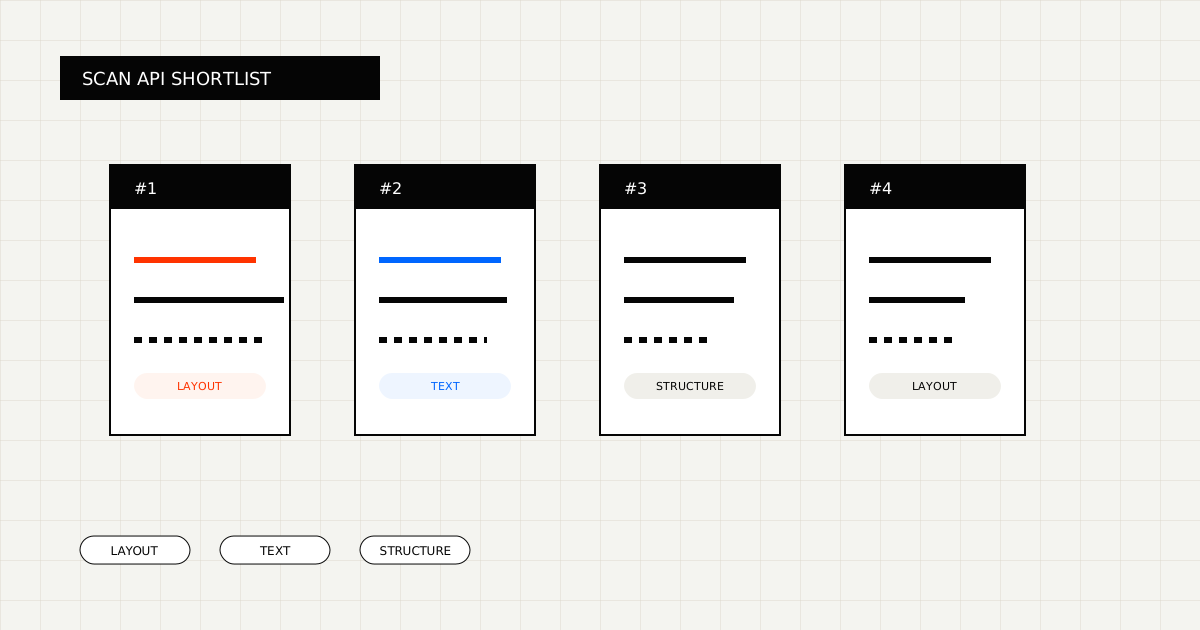
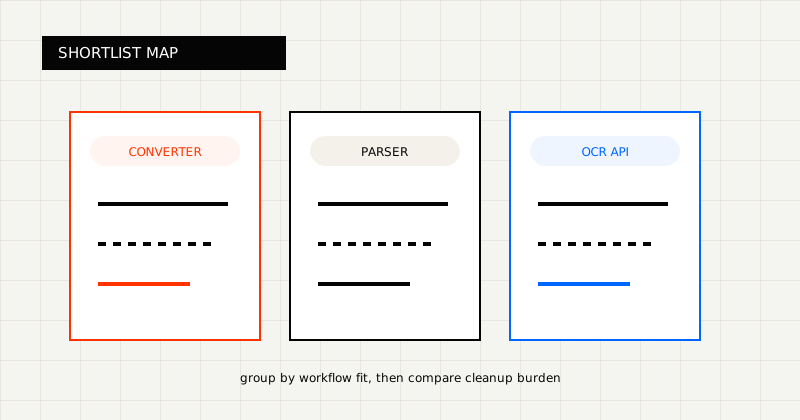 FIG 2.0 - Shortlist grouped by workflow fit.
Best for scanned PDFs that need to become workflow-ready markdown or schema-fit JSON.
LeapOCR is strongest when:
What stands out:
Best for parsing-first AI and retrieval workflows.
LlamaParse is useful when the scanned PDF is headed into an LLM pipeline, indexing workflow, or retrieval stack. It is usually a weaker fit when the destination is an operational system that expects a strict record.
Best for teams building around a broader parsing and data-preparation platform.
Unstructured makes sense when the scanned document is part of a larger ingestion or RAG-oriented architecture.
Best for parser-led or converter-led workflows with lighter downstream requirements.
LeapOCR is strongest when scanned PDFs must become:
That is especially valuable when the file is messy but the downstream workflow still needs a predictable contract.
In those cases, LeapOCR can also support instructions like:
Those are not edge-case niceties. They are often the difference between a demo output and a usable production result.
Useful pages:
The strongest OCR API for scanned PDFs is usually the one that:
That usually means testing on your ugliest files, not only the clean samples vendors publish.
If you are comparing products, include:
Then score:
Scanned PDFs make output shape matter more than marketing labels.
If the result has to power a workflow, choose the OCR product that lands closest to that final state.
Try LeapOCR on your own documents
Eligible paid plans include a 3-day trial with 100 credits after you add a credit card, so you can test actual PDFs, scans, and forms before committing to a rollout.
Keep reading
More implementation guides, benchmarks, and workflow notes for teams building document pipelines.
An honest roundup of developer-facing PDF parser and OCR tools, focused on where they fit best and where scanned, messy documents change the decision.
A practical comparison of OCR APIs and document parsing APIs, with examples of where each category fits and where each one breaks.
A practical guide to PDF parsers, where they fit, where they break, and when an OCR API is the better tool.