Published
March 23, 2026
A practical comparison of OCR APIs and document parsing APIs, with examples of where each category fits and where each one breaks.
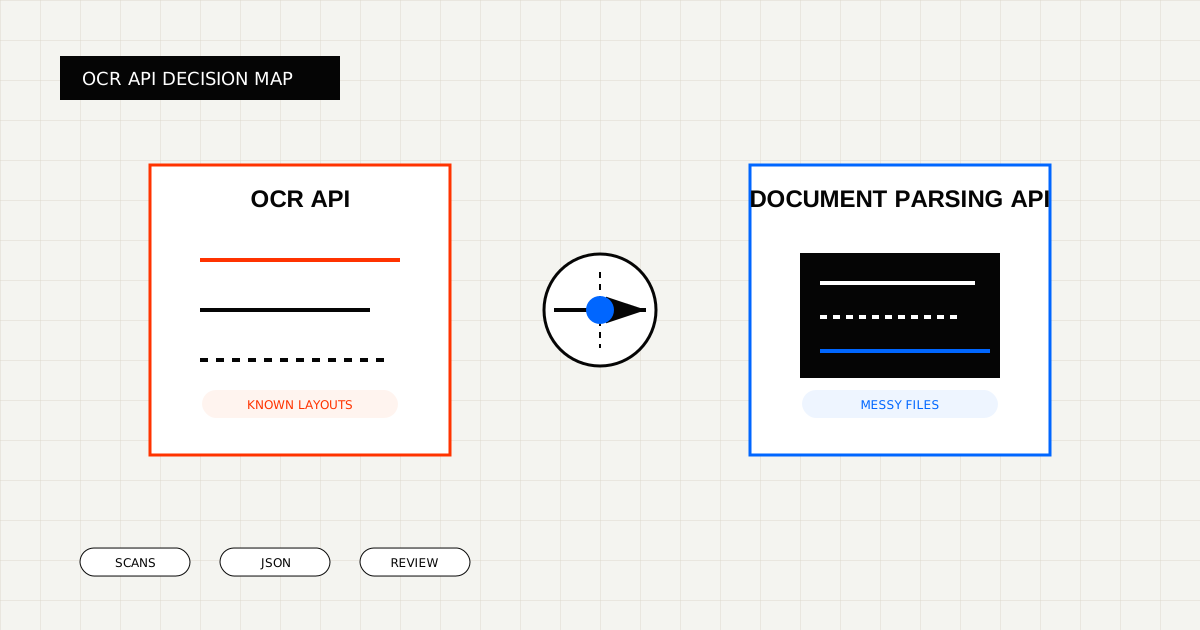
Many teams compare OCR APIs and document parsing APIs as if they were interchangeable.
They overlap, but they are not the same thing.
An OCR API is usually centered on reading a document and turning it into usable output.
A document parsing API is usually centered on turning a document into a machine-friendly representation that another process can consume.
In practice, the better fit depends on what happens after extraction.
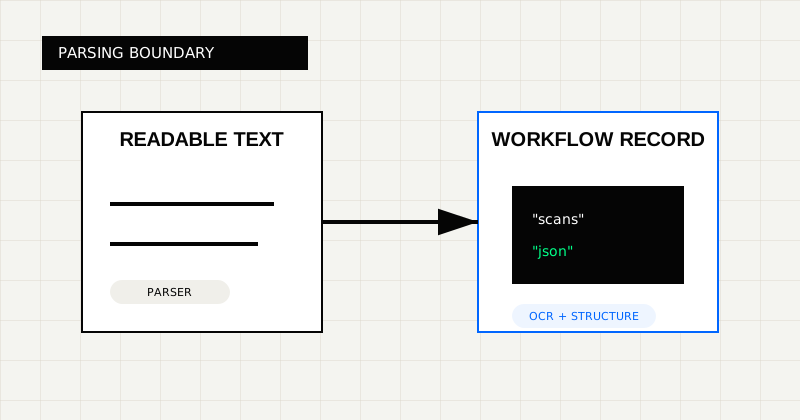 FIG 1.0 - Parsing boundary between readable text conversion and workflow-ready extraction.
An OCR API is usually the better fit when:
This is the common pattern for:
Relevant LeapOCR pages:
A document parsing API is often the better fit when:
This is where tools like PDF Vector, LlamaParse, and Unstructured often fit well.
The confusion usually comes from clean demo files.
On a neat PDF, a parser and an OCR API can look almost identical.
The difference shows up later:
That is why parser-first tools often win on docs and developer adoption, while OCR products win when the workflow has stricter downstream requirements.
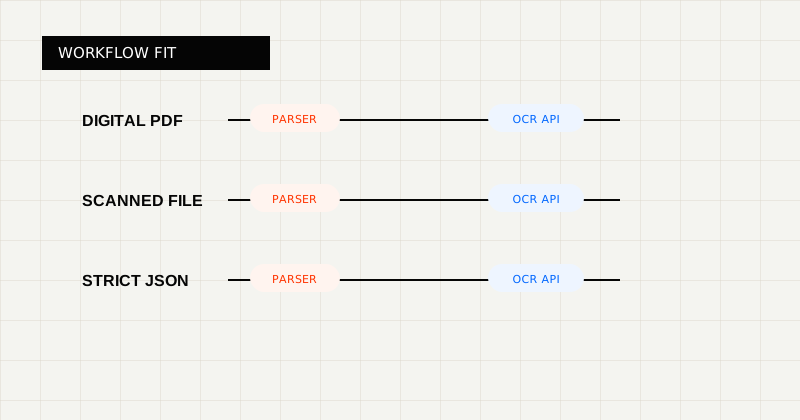 FIG 2.0 - Decision lens for choosing between parser-style tooling and OCR APIs.
If you want direct comparison points, these are reasonable examples:
The useful distinction is simpler than the marketing language:
Do not ask “which one has more features?”
Ask:
Those are the questions that separate a successful rollout from a tool that demos well and fails in production.
LeapOCR sits in the category where OCR has to lead to workflow-ready output.
That is why the product is strongest when:
Useful starting points:
Document parsing APIs are great when the output is mainly for content workflows.
OCR APIs are better when the result must survive the jump into a real business workflow.
That is the difference that matters.
Try LeapOCR on your own documents
Eligible paid plans include a 3-day trial with 100 credits after you add a credit card, so you can test actual PDFs, scans, and forms before committing to a rollout.
Keep reading
More implementation guides, benchmarks, and workflow notes for teams building document pipelines.
An honest guide to the best OCR APIs for scanned PDFs, with emphasis on messy file quality, output shape, and production workflows.
An honest roundup of developer-facing PDF parser and OCR tools, focused on where they fit best and where scanned, messy documents change the decision.
A practical guide to PDF parsers, where they fit, where they break, and when an OCR API is the better tool.