Published
March 23, 2026
A practical guide to PDF parsers, where they fit, where they break, and when an OCR API is the better tool.
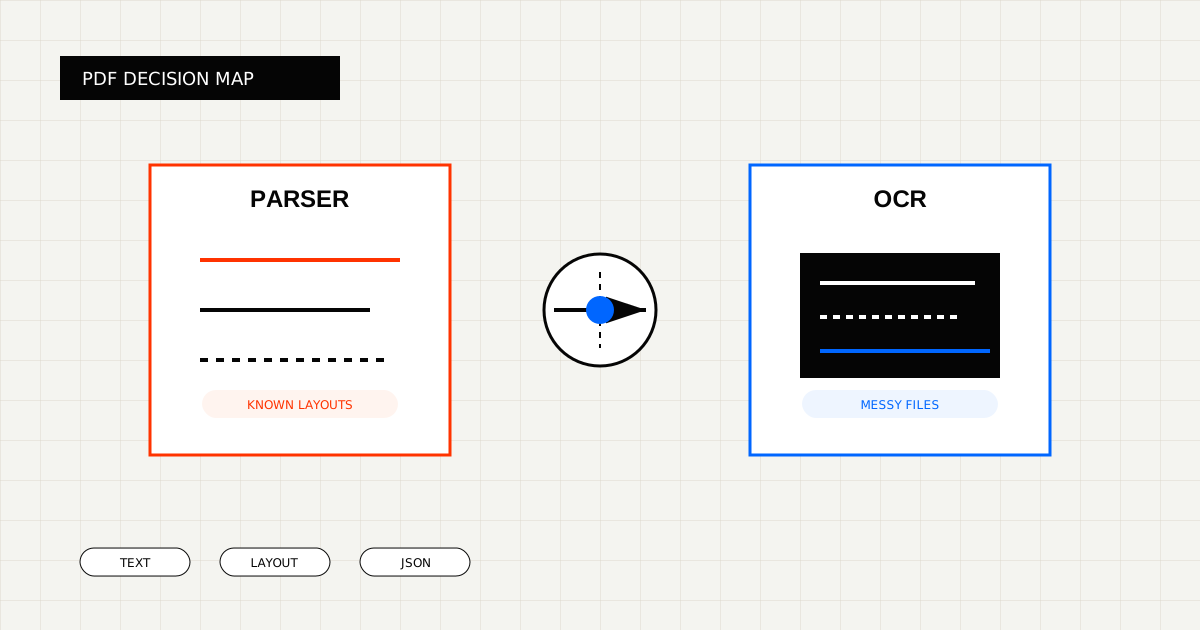
A PDF parser is a tool that turns a PDF into something easier to work with in software. Depending on the product, that might mean extracted text, markdown, layout-aware blocks, tables, or a structured object.
That sounds simple, but the term “PDF parser” covers several different jobs:
Those are not the same problem.
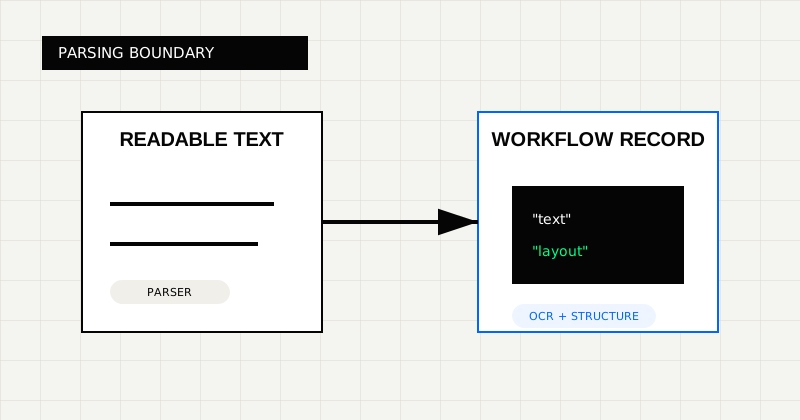 FIG 1.0 - Parsing boundary between readable text conversion and workflow-ready extraction.
Use a parser-first tool when:
That is why tools like PDF Vector, Parseur, Docparser, LlamaParse, and Unstructured are often a good fit when the main goal is readable or layout-aware extraction rather than workflow-ready output.
The cracks usually show up when:
This is the gap between “can read the PDF” and “can power the workflow.”
For example:
Or:
The simplest distinction is this:
That is not a universal rule, but it is the right lens for evaluation.
If the result needs to stay readable, parser-first products can be a strong fit.
If the result needs to become a trusted object for finance, logistics, or operations workflows, OCR products that focus on output shape usually fit better.
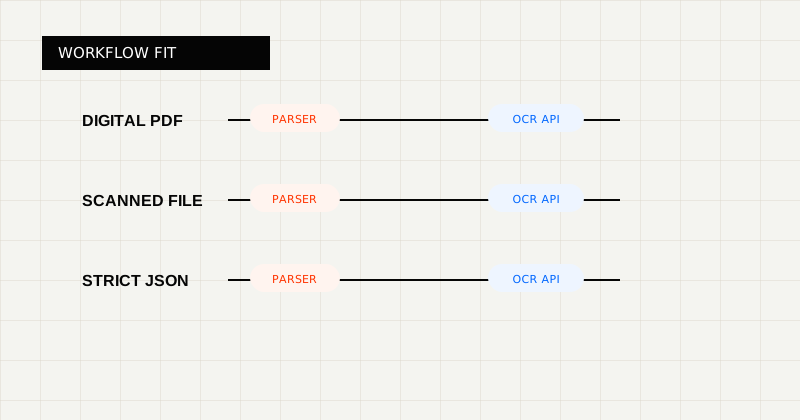 FIG 2.0 - Decision lens for choosing between parser-style tooling and OCR APIs.
If you want to compare parser-style products directly, these are reasonable examples:
They are useful when you want to benchmark parser-first workflows against OCR-first workflows on the same files.
Instead of asking “do we need a PDF parser?” ask:
Those questions usually lead to a better buying decision than feature tables do.
LeapOCR is the stronger fit when:
Start with:
A PDF parser is useful when the document is mostly a content source.
It is not always enough when the document has to become a reliable record in a finance, logistics, or operations workflow.
That is the real dividing line: parsing versus workflow handoff.
Try LeapOCR on your own documents
Eligible paid plans include a 3-day trial with 100 credits after you add a credit card, so you can test actual PDFs, scans, and forms before committing to a rollout.
Keep reading
More implementation guides, benchmarks, and workflow notes for teams building document pipelines.
An honest guide to the best OCR APIs for scanned PDFs, with emphasis on messy file quality, output shape, and production workflows.
An honest roundup of developer-facing PDF parser and OCR tools, focused on where they fit best and where scanned, messy documents change the decision.
A practical look at where LlamaParse fits, where OCR APIs fit, and how to choose when documents are headed to real business workflows.