Published
March 23, 2026
Install the official LeapOCR PHP SDK from Packagist, process documents with a native PHP API, and ship OCR workflows without hand-rolling multipart uploads or polling.
If you build in PHP, you should not have to drop down to raw HTTP just to add document processing.
The official LeapOCR PHP SDK is now available, with first-class support for:
Install it from Packagist:
composer require leapocr/leapocr-php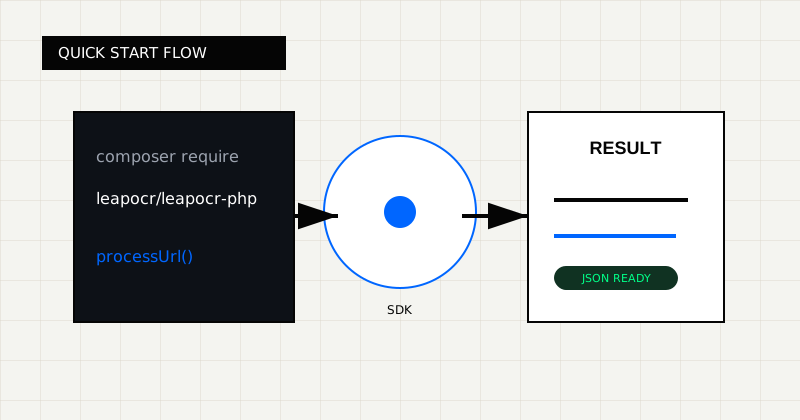 FIG 1.0 - Quick-start flow from PHP code to processed result.
A lot of OCR tooling is Node-first, Python-first, or “just call the REST API.” That works, but it leaves PHP teams rebuilding the same boring integration layer:
The PHP SDK removes that glue code so Laravel, Symfony, and custom PHP backends can use the same LeapOCR workflow the other official SDKs already support.
Here is the shortest path from “I have a PDF” to “I have structured data”:
<?php

require 'vendor/autoload.php';

use LeapOCR\Enums\Format;
use LeapOCR\Enums\Model;
use LeapOCR\LeapOCR;
use LeapOCR\Models\ProcessOptions;

$client = new LeapOCR((string) getenv('LEAPOCR_API_KEY'));

$job = $client->ocr()->processUrl(
    'https://example.com/invoice.pdf',
    new ProcessOptions(
        format: Format::STRUCTURED,
        model: Model::STANDARD_V2,
        schema: [
            'type' => 'object',
            'properties' => [
                'invoice_number' => ['type' => 'string'],
                'invoice_date' => ['type' => 'string'],
                'total_amount' => ['type' => 'number'],
            ],
            'required' => ['invoice_number', 'total_amount'],
        ],
    ),
);

$result = $client->ocr()->waitUntilDone($job->jobId);

var_dump($result->pages[0]->result);
That gives you a native PHP flow instead of a custom curl layer sitting in the middle of your app.
The most annoying part of document APIs is often the upload path, not the OCR call itself.
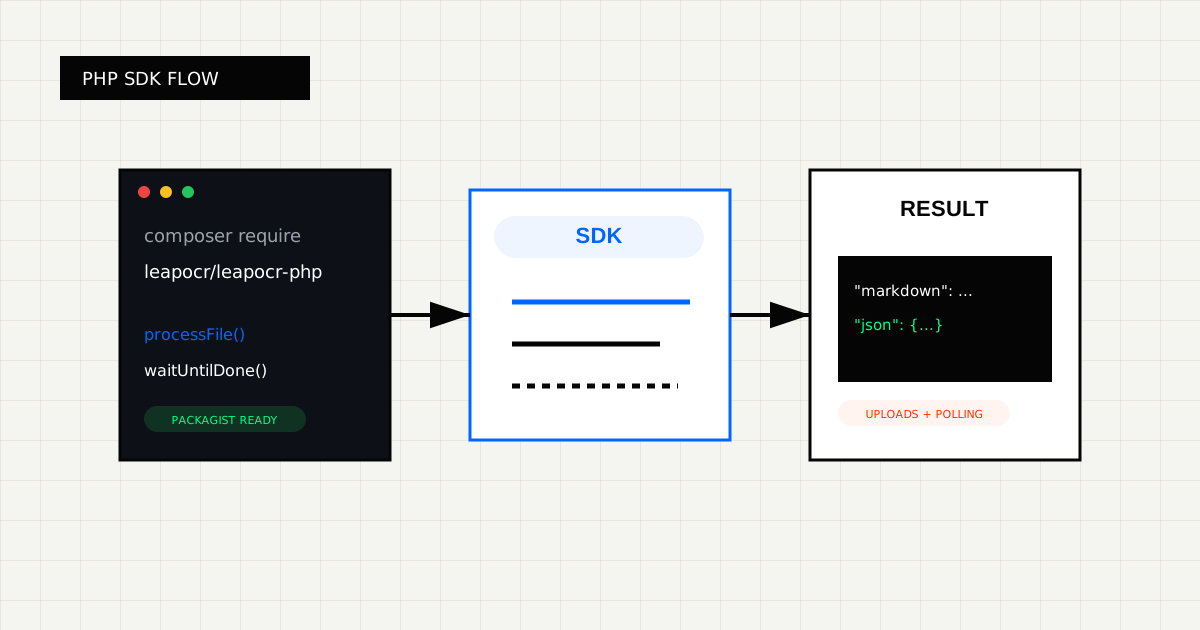
The SDK handles direct upload flow for you:
<?php

use LeapOCR\Enums\Format;
use LeapOCR\Enums\Model;
use LeapOCR\Models\ProcessOptions;

$job = $client->ocr()->processFile(
    __DIR__ . '/documents/bill-of-lading.pdf',
    new ProcessOptions(
        format: Format::STRUCTURED,
        model: Model::PRO_V2,
        instructions: 'Extract carrier, consignee, container number, and total weight',
        schema: [
            'type' => 'object',
            'properties' => [
                'carrier' => ['type' => 'string'],
                'consignee' => ['type' => 'string'],
                'container_number' => ['type' => 'string'],
                'total_weight' => ['type' => 'number'],
            ],
            'required' => ['carrier', 'container_number'],
        ],
    ),
);

$result = $client->ocr()->waitUntilDone($job->jobId);
You keep the code at the business-logic level while the SDK handles the lower-level upload steps.
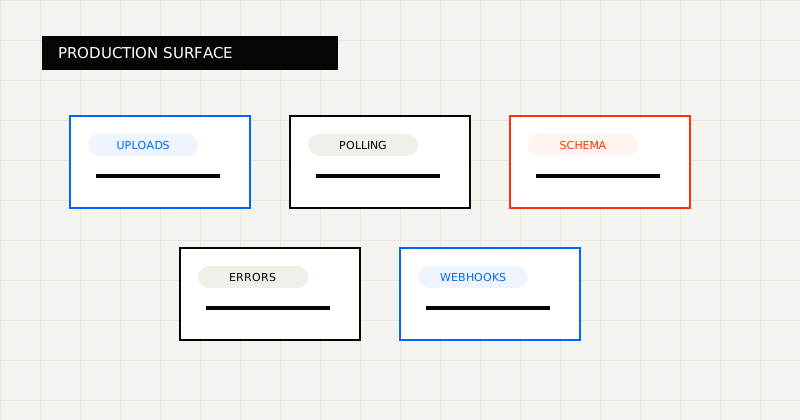 FIG 2.0 - Production integration surface covering uploads, polling, schema control, and errors.
The point of the SDK is not just fewer lines of code. It is a cleaner production integration surface.
What you get:
For example:
<?php

use LeapOCR\Exceptions\AuthenticationException;
use LeapOCR\Exceptions\JobFailedException;
use LeapOCR\Exceptions\ValidationException;

try {
    $result = $client->ocr()->waitUntilDone($job->jobId);
} catch (AuthenticationException $exception) {
    // Invalid API key or missing auth
} catch (ValidationException $exception) {
    // Invalid format/model/schema/template combination
} catch (JobFailedException $exception) {
    // OCR job reached a failed terminal state
}
That matters when the SDK is running inside queue workers, internal tools, or customer-facing upload flows.
The PHP SDK is a good fit if you are:
If your team is already using LeapOCR in JavaScript, Python, or Go, the PHP SDK also makes it easier to keep the same workflow shape across services.
PHP is now part of the official SDK lineup. If your stack needs another language runtime, tell us.
We are especially interested in hearing from teams that want:
If you want us to prioritize a new SDK, contact us and tell us:
That feedback is how we decide what to ship next.
composer require leapocr/leapocr-phpThe goal is simple: if your backend is written in PHP, you should be able to integrate LeapOCR without building a custom client first.
Try LeapOCR on your own documents
Eligible paid plans include a 3-day trial with 100 credits after you add a credit card, so you can test actual PDFs, scans, and forms before committing to a rollout.
Keep reading
More implementation guides, benchmarks, and workflow notes for teams building document pipelines.
The LeapOCR Go, Python, JavaScript, and PHP SDKs now include webhook signature verification helpers, so you can validate customer webhooks with the raw request body and timestamp header instead of reimplementing HMAC logic.
A practical walkthrough for adding LeapOCR to your app using the JavaScript/TypeScript SDK, from installation to your first production-ready workflow.
How to build a resilient, high-throughput document ingestion pipeline for logistics using LeapOCR and Go.