Published
March 23, 2026
A practical benchmark framework for comparing invoice OCR tools on real files, with emphasis on line items, messy scans, and downstream fit.
Most invoice OCR benchmarks are easier on vendors than real finance workflows are.
They use clean files, small samples, and success criteria that stop at “did text come back?” That is not the standard AP teams actually care about.
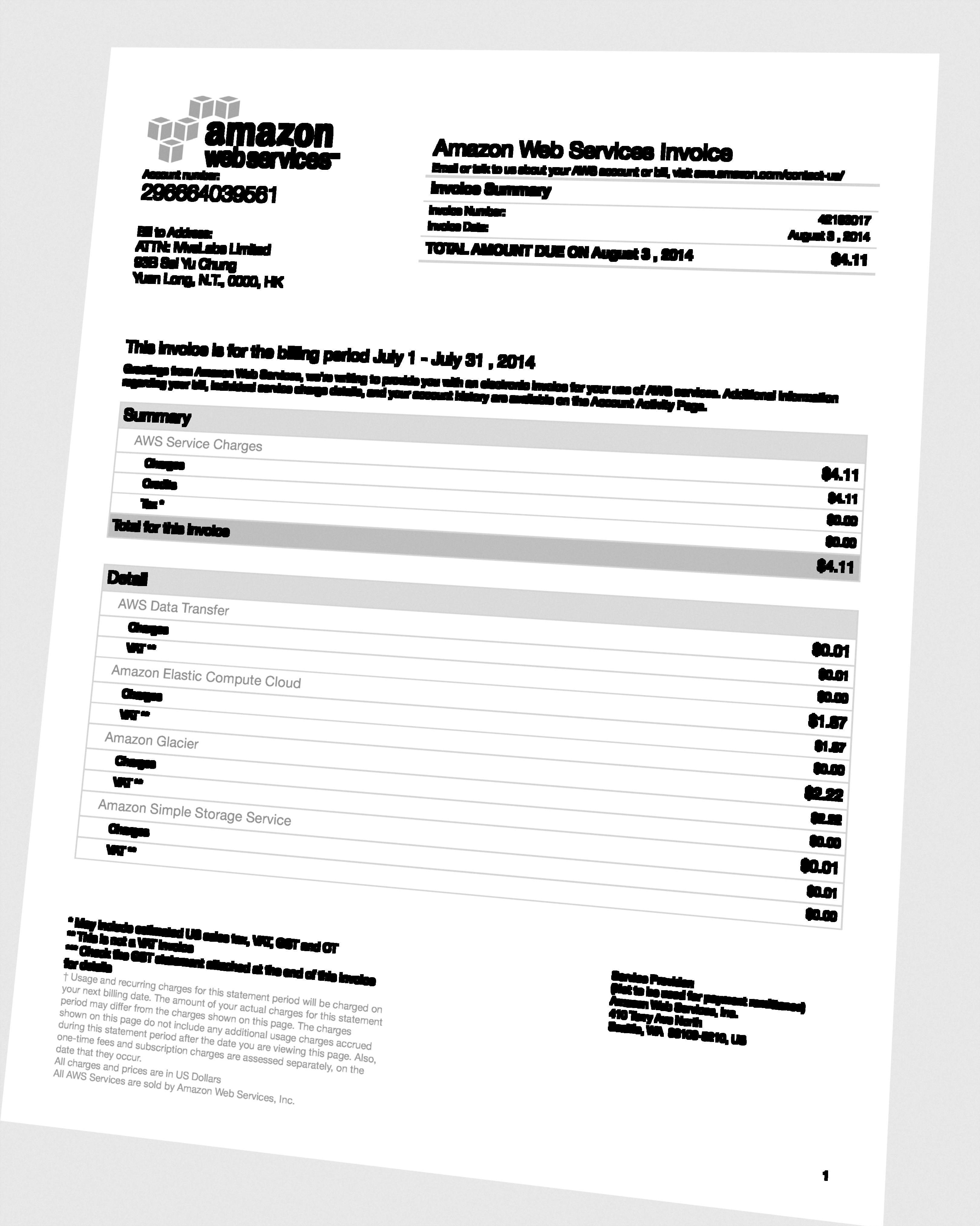 A realistic benchmark should include files like this, not only polished digital invoices.
The better benchmark asks:
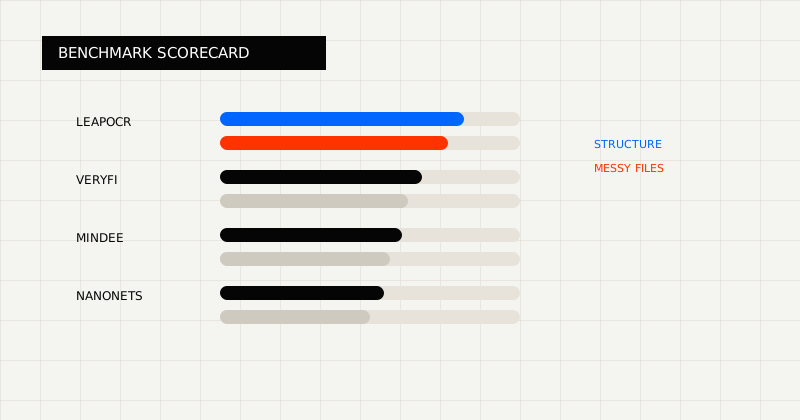 FIG 1.0 - Benchmark scorecard centered on messy files, structure retention, and cleanup burden.
The least useful benchmarks declare a winner without showing the test set, the scoring method, or the workflow assumptions.
The honest version is simpler:
This post is a framework for that kind of evaluation.
They overlap on invoice OCR, but they sit at different points in the product stack.
In broad terms:
Use at least four document types:
Then score each tool on:
If line items matter for your workflow, weight them heavily. A tool that gets totals right but breaks the row array can still create a large AP cleanup burden.
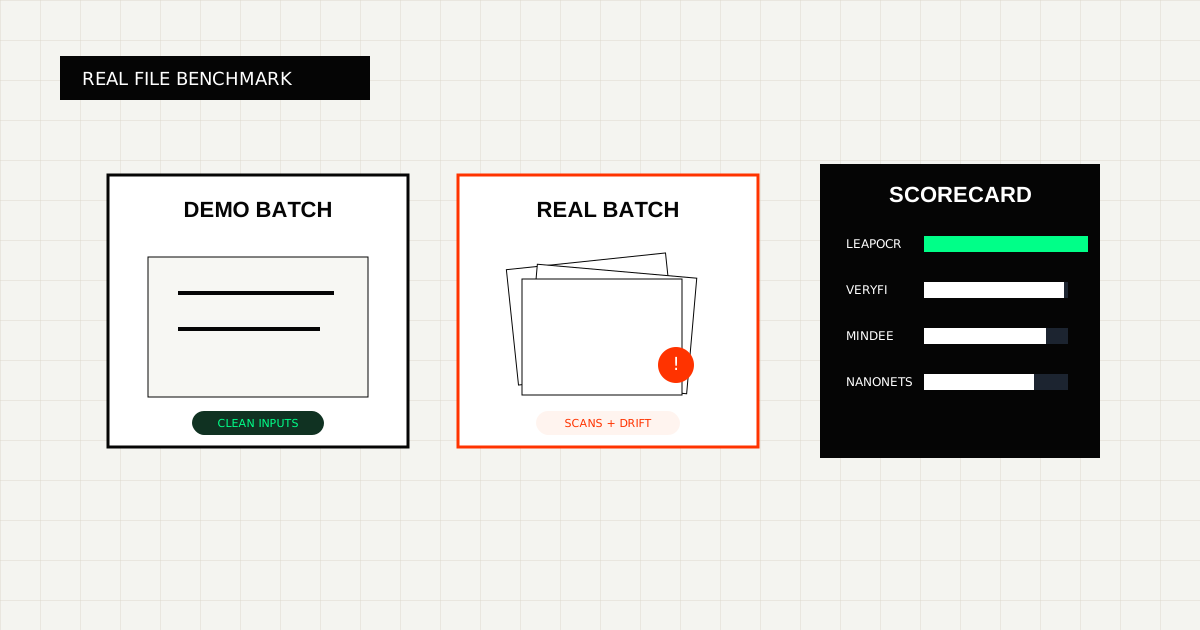
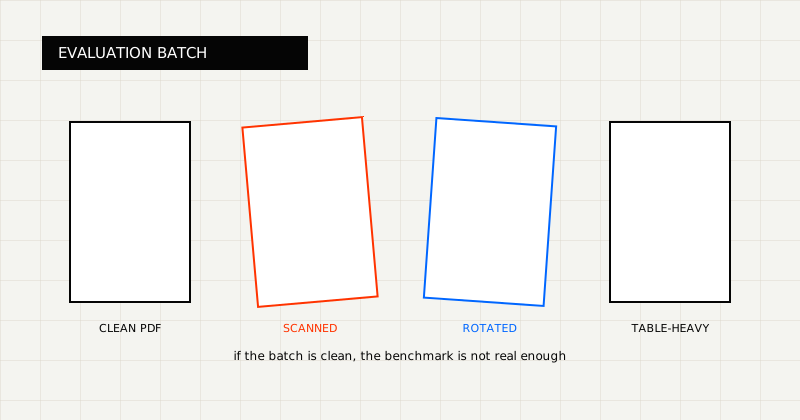 FIG 2.0 - Evaluation batch design showing why real scanned documents break polished demo results.
This framework matters because most teams do not switch vendors over clean sample files.
They switch when:
That is also why workflow-specific capabilities such as Invoice to JSON API and Invoice Line Item Extraction API matter more than generic OCR alone.
Use a simple scoring sheet with categories like:
| Category | Why it matters |
|---|---|
| Header accuracy | Determines whether the invoice can be identified and routed |
| Line-item fidelity | Determines whether AP can trust the detail rows |
| Totals and tax consistency | Catches the most dangerous posting mistakes |
| Reviewability | Determines whether exceptions are fast or painful to resolve |
| JSON fit | Measures how little transformation remains before writeback |
| Cleanup burden | Captures the real operational cost after extraction |
You can keep the numbers simple. The important part is using the same rubric across all tools.
In broad terms:
LeapOCR becomes especially compelling when the benchmark includes:
Practical evaluation factors:
That combination matters because the real operational cost often sits in the review queue, not just the extraction call.
If you run this benchmark honestly, the strongest tool is usually the one that leaves the smallest cleanup burden after extraction.
That means:
If a tool only wins on a clean sample set, but loses once the workload includes real supplier variation, it is not the strongest production choice.
If you are running your own evaluation, pair this post with:
The best invoice OCR benchmark is the one that measures how much work remains after the OCR call.
That is where real buying decisions usually get made.
Try LeapOCR on your own documents
Eligible paid plans include a 3-day trial with 100 credits after you add a credit card, so you can test actual PDFs, scans, and forms before committing to a rollout.
Keep reading
More implementation guides, benchmarks, and workflow notes for teams building document pipelines.
An honest guide to invoice OCR APIs for AP teams, including when to choose a finance-specific tool, a broader workflow platform, or a schema-first OCR layer.

An honest guide to the strongest OCR APIs for developers, including when to choose a parsing-first tool, an invoice-focused API, or a schema-first OCR layer.
Why OCR benchmarks often look good on demo files and fall apart on real scanned documents, and what to test instead.