Published
March 23, 2026
An honest guide to the strongest OCR APIs for developers, including when to choose a parsing-first tool, an invoice-focused API, or a schema-first OCR layer.

Most “best OCR API” lists fail for the same reason: they compare tools that solve different jobs as if they were interchangeable.
Some products are built for invoice capture. Some are built for RAG and document parsing. Some are built for broader AP automation. Others are really OCR layers that teams embed inside their own workflows.
That is why the better question is not “which OCR API is best?” It is “best for what?”
This guide breaks the field down by workflow shape so developers can choose a product that actually fits the job.
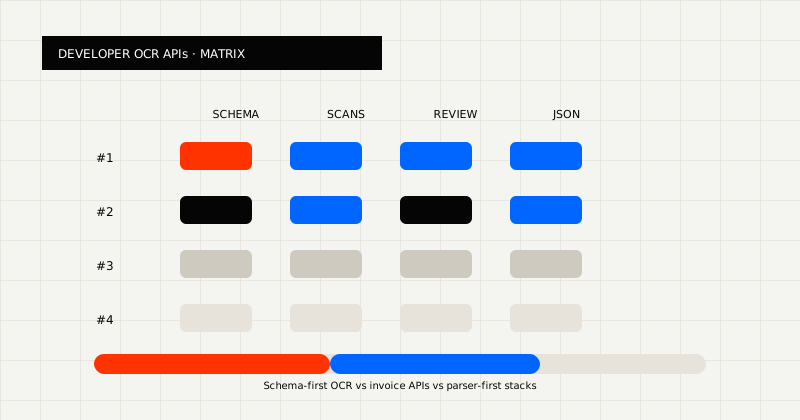 FIG 1.0 - Evaluation matrix for developer OCR APIs: schema fit, scans, review, and JSON.
Best for teams that need one OCR API across scanned PDFs, invoices, forms, readable markdown, and schema-fit JSON.
Why it stands out:
Start here if your workflow needs PDF to Markdown, structured JSON extraction, or a broader OCR API for developers.
Best for teams that want a broader document-processing API platform with strong docs and productized document endpoints.
Mindee is attractive when the developer experience and packaged API catalog are part of the buying decision, not just the OCR output itself.
Best for invoice, receipt, and expense extraction workflows.
Veryfi is strongest when the center of gravity is finance capture rather than a broader OCR platform. If your queue is tightly focused on invoices and receipts, it is a credible option.
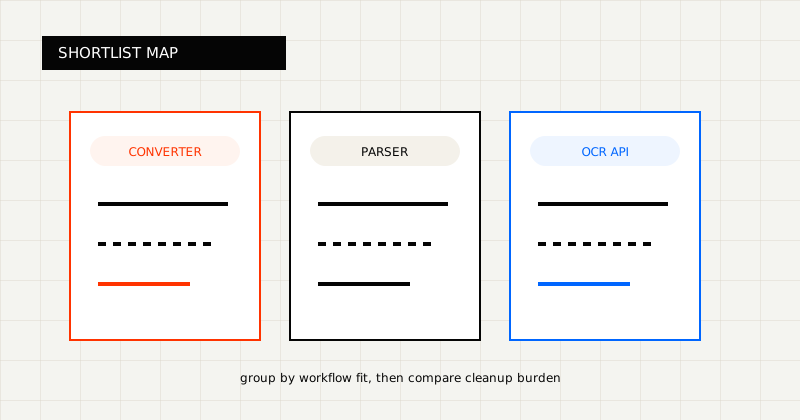 FIG 2.0 - Shortlist grouped by workflow fit.
Best for developer-friendly PDF parsing and markdown-oriented extraction.
PDF Vector makes the most sense when the workflow is centered on readable parsed output. If the documents later need to become reliable business records, teams often need a broader extraction layer.
See LeapOCR vs PDF Vector for a direct breakdown.
Best for RAG, retrieval, and LLM-oriented document parsing.
LlamaParse is often closer to a parsing tool for AI pipelines than a workflow-oriented OCR platform. That makes it useful for indexing and retrieval workloads, but a weaker fit when the real destination is a finance or operations system.
Best for teams evaluating a broader OCR and workflow-automation SaaS.
Nanonets is useful when the workflow breadth is part of the value and the team wants more workflow software around OCR.
Best for organizations buying a larger invoice-processing and AP workflow product.
Rossum tends to win higher in the stack than a simple OCR API. It is most compelling when the business wants more of the operational workflow bundled into the vendor platform.
Best for enterprise-heavy OCR API evaluations with invoice and finance-adjacent workflows.
Klippa is more relevant when the evaluation is enterprise-heavy and finance-adjacent rather than centered on a lightweight developer-owned OCR layer.
Best for no-code and parser-led document extraction evaluations.
Parseur is a common choice when the team wants broad document parsing and automation but is less centered on a developer-owned OCR layer.
In practice, the strongest OCR API is the one that removes the most cleanup after extraction.
That means evaluating:
There is no universal best OCR API for developers. There are only better fits for different workflow shapes.
If your main need is flexible OCR for messy real documents and downstream-ready output, start with LeapOCR. If your need is narrower, like invoice-only extraction or parsing for RAG, some of the more specialized products above may fit better.
The fastest way to choose is still the same: run your ugliest real documents through the finalists, validate the output, and see which tool removes the most cleanup from the workflow.
Try LeapOCR on your own documents
Eligible paid plans include a 3-day trial with 100 credits after you add a credit card, so you can test actual PDFs, scans, and forms before committing to a rollout.
Keep reading
More implementation guides, benchmarks, and workflow notes for teams building document pipelines.
Why classic OCR struggles on real-world documents and how AI-native, layout-aware extraction turns PDFs and scans into reliable, structured data your systems can trust.
An honest guide to invoice OCR APIs for AP teams, including when to choose a finance-specific tool, a broader workflow platform, or a schema-first OCR layer.
An honest guide to invoice OCR APIs for developers, with a focus on workflow ownership, line items, and downstream fit.