Published
March 23, 2026
A practical guide to converting bank statements into JSON with balances, metadata, and transaction rows that downstream systems can actually use.
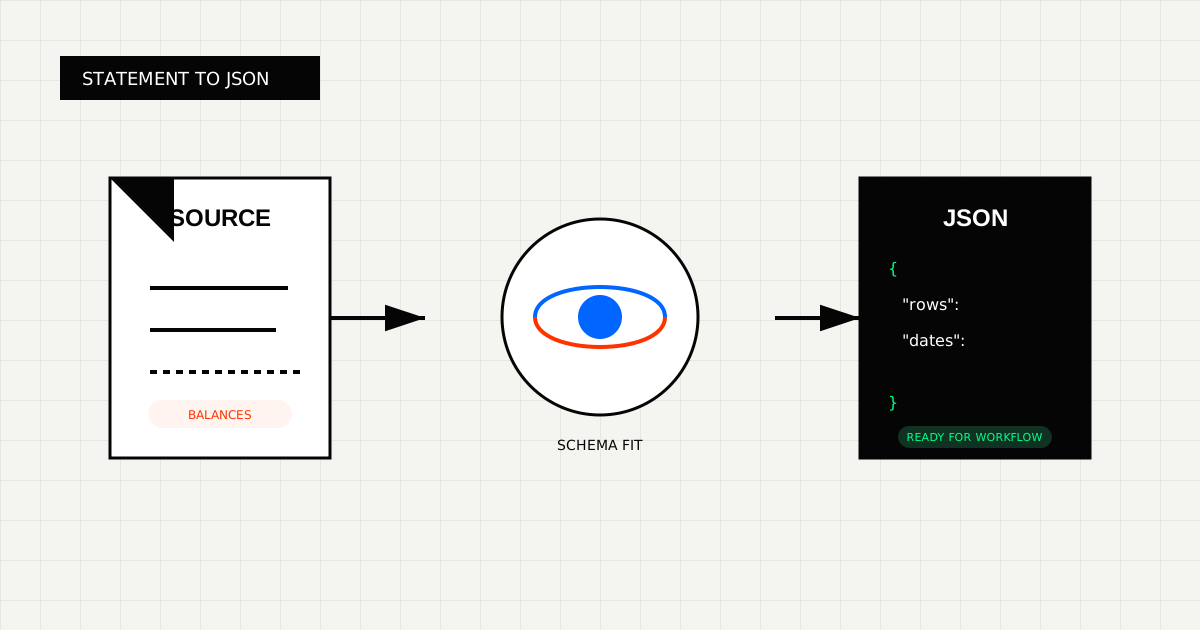
Bank statement extraction becomes useful only when the output is more than readable text.
Most real workflows need:
That means the target format is usually JSON, not only OCR text.
 Most statement workflows fail when rows lose structure. Dates, descriptions, amounts, and balances have to stay attached.
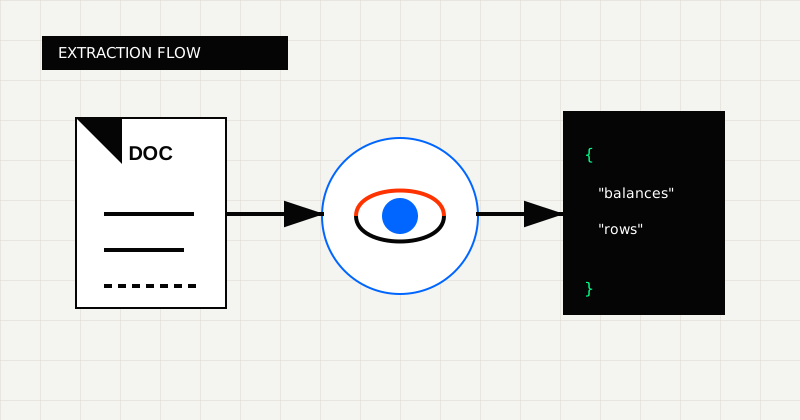 FIG 1.0 - Extraction flow from statement document to schema-fit JSON.
A useful statement object often looks like this:
{
  "account_holder": "Northwind LLC",
  "statement_period": "2026-02-01 to 2026-02-29",
  "opening_balance": 14520.33,
  "closing_balance": 18104.77,
  "transactions": [
    {
      "posted_at": "2026-02-07",
      "description": "ACH CREDIT - Client Payment",
      "amount": 4800.0,
      "direction": "credit"
    }
  ]
}
In real systems, you will usually want more structure than the simplified example above. It is often worth splitting the statement period into start_date and end_date, preserving the running balance when available, and deciding upfront how debits and credits should be represented.
For example:
Bank statement extraction usually breaks when:
That is why Bank Statement OCR API is a better fit than a generic PDF parser when the output needs to feed reconciliation or underwriting.
Before you define a schema, decide what the JSON needs to do next.
Examples:
The right schema is the narrowest one that still supports the decision you are trying to automate.
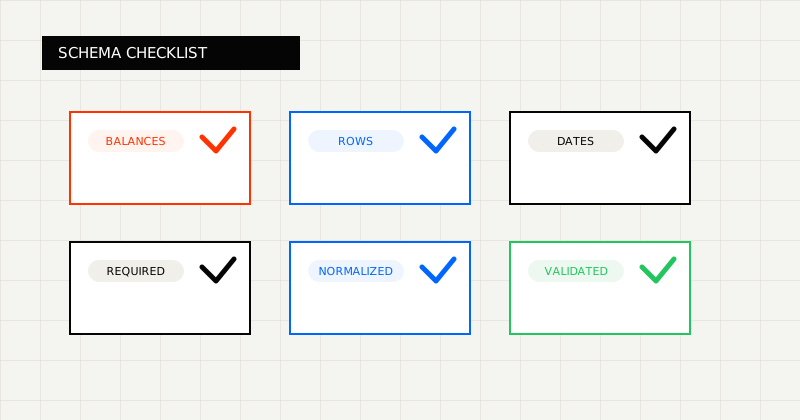 FIG 2.0 - Validation checklist highlighting the fields and failure modes that matter before downstream use.
The safer extraction pattern is:
That fourth step is underrated. Many teams try to choose between readable output and structured output too early. In practice, finance workflows often want both:
LeapOCR supports both paths, and can also add bounding boxes when a review tool needs to highlight the exact row or total that triggered an exception.
For most bank statement pipelines, define:
Each transaction should usually include:
If the statements can arrive in multiple languages, it is also worth deciding whether your stored JSON should preserve the source language or normalize descriptions into one language during extraction.
Tools like PDF Vector Bank Statement Converter can be useful for top-of-funnel conversion or readable parsing.
But many finance workflows need one step further: structured JSON shaped for another system.
Do not write statement JSON downstream without basic validation.
At minimum, validate:
This is one reason schema-first extraction is useful. It forces the workflow to think about the target record before the OCR result leaks into downstream code.
LeapOCR is useful when the workflow needs more than generic conversion:
It is also useful when bank statements arrive through the same intake path as other documents. Since LeapOCR supports 100+ file formats, teams can keep one ingestion layer across statements, invoices, forms, and mixed back-office files.
The best statement-extraction workflow is the one that leaves you with a usable JSON object, not another text parsing project.
Try LeapOCR on your own documents
Eligible paid plans include a 3-day trial with 100 credits after you add a credit card, so you can test actual PDFs, scans, and forms before committing to a rollout.
Keep reading
More implementation guides, benchmarks, and workflow notes for teams building document pipelines.
A practical comparison of bank statement OCR and PDF parser tools, with emphasis on transaction rows, balances, and downstream fit.
An honest look at the strongest bank statement OCR APIs and parser-style alternatives, with a focus on transaction rows, balances, and downstream workflow fit.
An honest guide to invoice OCR APIs for developers, with a focus on workflow ownership, line items, and downstream fit.