Published
March 23, 2026
A practical comparison of bank statement OCR and PDF parser tools, with emphasis on transaction rows, balances, and downstream fit.
Bank statement OCR and PDF parsers can both read statement files. That is why they often get compared as if they solve the same job.
They do not.
The useful difference is not whether text comes back. The useful difference is whether the output is ready for the next workflow.
If all you need is readable content for review, a PDF parser may be enough. If the statement needs to become a ledger-ready or underwriting-ready record, the bar is much higher.
 Statement extraction usually fails at the row level first: dates, descriptions, debit or credit direction, and running balances must stay attached.
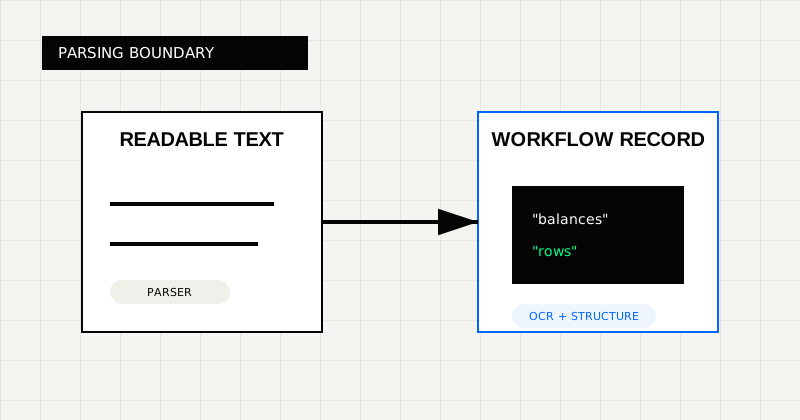 FIG 1.0 - Parsing boundary between readable text conversion and workflow-ready extraction.
Use a parser-first tool when:
Parser-style products are useful when the workflow stops at “turn this file into something easier to read.” They can be good for internal analyst workflows, archival work, or early-stage exploration.
That is a legitimate use case. It is just not the same as bank-statement automation.
Use bank statement OCR when the result needs to include:
This is where Bank Statement OCR API is a better category match than a generic parser page. The real need is not text extraction. The real need is a structured financial record.
Most bank statement projects break in one of four places:
That last point matters most. If a parser gives you readable output but your finance workflow still needs custom code to reconstruct rows, detect debits vs credits, and validate balances, you have not really automated the task. You have only moved the work downstream.
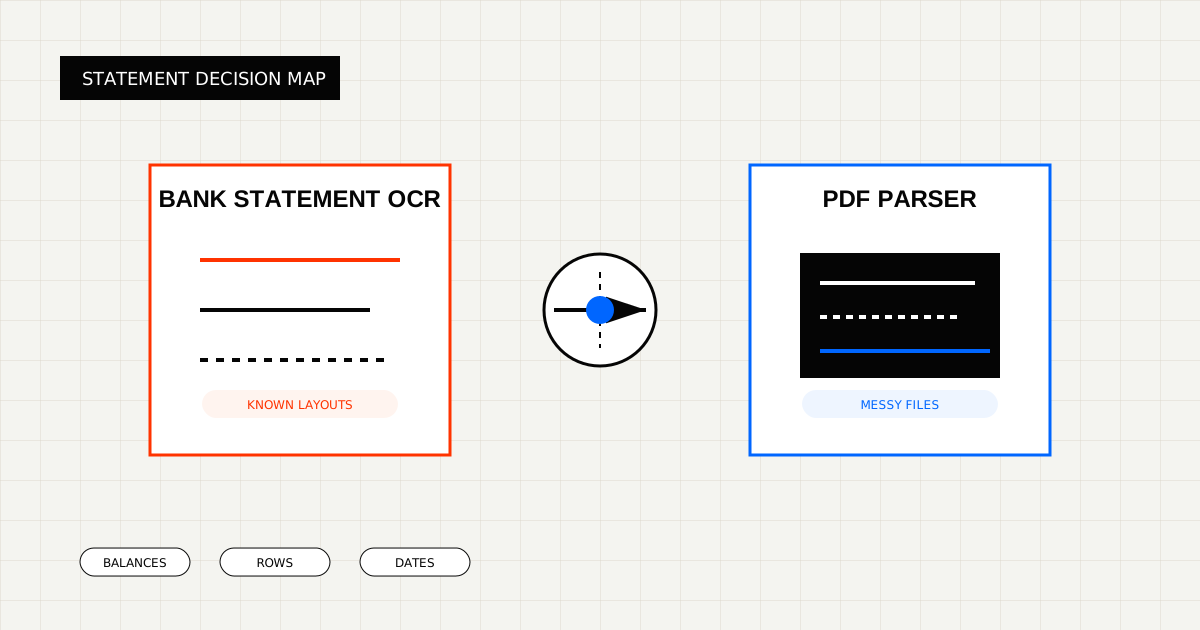
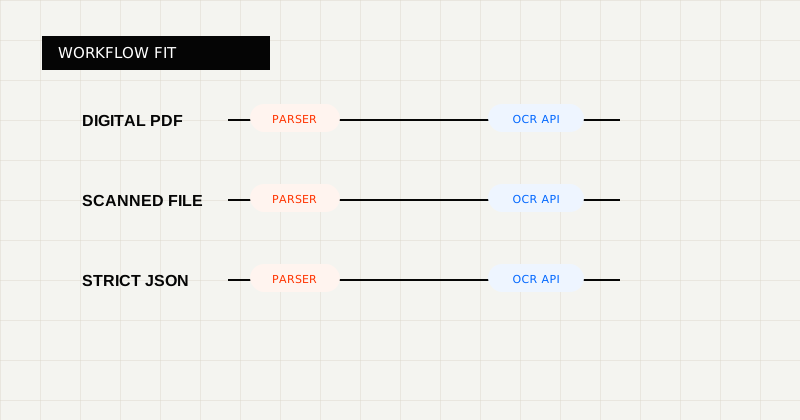 FIG 2.0 - Decision lens for choosing between parser-style tooling and OCR APIs.
A bank statement JSON object usually needs to look closer to this:
{
  "account_holder": "Northwind LLC",
  "statement_period": {
    "start_date": "2026-02-01",
    "end_date": "2026-02-29"
  },
  "opening_balance": 14520.33,
  "closing_balance": 18104.77,
  "transactions": [
    {
      "posted_at": "2026-02-07",
      "description": "ACH CREDIT - Client Payment",
      "amount": 4800.0,
      "direction": "credit",
      "balance": 18104.77
    }
  ]
}
That is the difference between “I can read the statement” and “my software can trust the statement.”
LeapOCR is the better fit when:
This matters because many statement workflows are hybrid. A system needs JSON for reconciliation, but a human still needs a readable version when a row looks wrong. LeapOCR supports both without forcing separate ingest paths.
Useful pages:
Choose a PDF parser when the output is mainly for humans.
Choose bank statement OCR when the output is mainly for systems, and when row-level fidelity, balances, and validation determine whether the workflow actually works.
If the statement is going to another system, bias toward bank statement OCR.
If it only needs to become readable, a parser may be enough. The moment you need transaction arrays, balances, validation, translation, or review tooling, you are no longer buying simple parsing. You are buying a structured extraction workflow.
Try LeapOCR on your own documents
Eligible paid plans include a 3-day trial with 100 credits after you add a credit card, so you can test actual PDFs, scans, and forms before committing to a rollout.
Keep reading
More implementation guides, benchmarks, and workflow notes for teams building document pipelines.
An honest look at the strongest bank statement OCR APIs and parser-style alternatives, with a focus on transaction rows, balances, and downstream workflow fit.
An honest guide to the best OCR APIs for scanned PDFs, with emphasis on messy file quality, output shape, and production workflows.
An honest roundup of developer-facing PDF parser and OCR tools, focused on where they fit best and where scanned, messy documents change the decision.