Published
March 23, 2026
An honest look at the strongest bank statement OCR APIs and parser-style alternatives, with a focus on transaction rows, balances, and downstream workflow fit.
Bank statement extraction looks simple right up until the workflow has to survive real files.
The hard part is not only reading the PDF. It is preserving balances, dates, transaction rows, and descriptions in a shape that bookkeeping, reconciliation, or underwriting workflows can actually use.
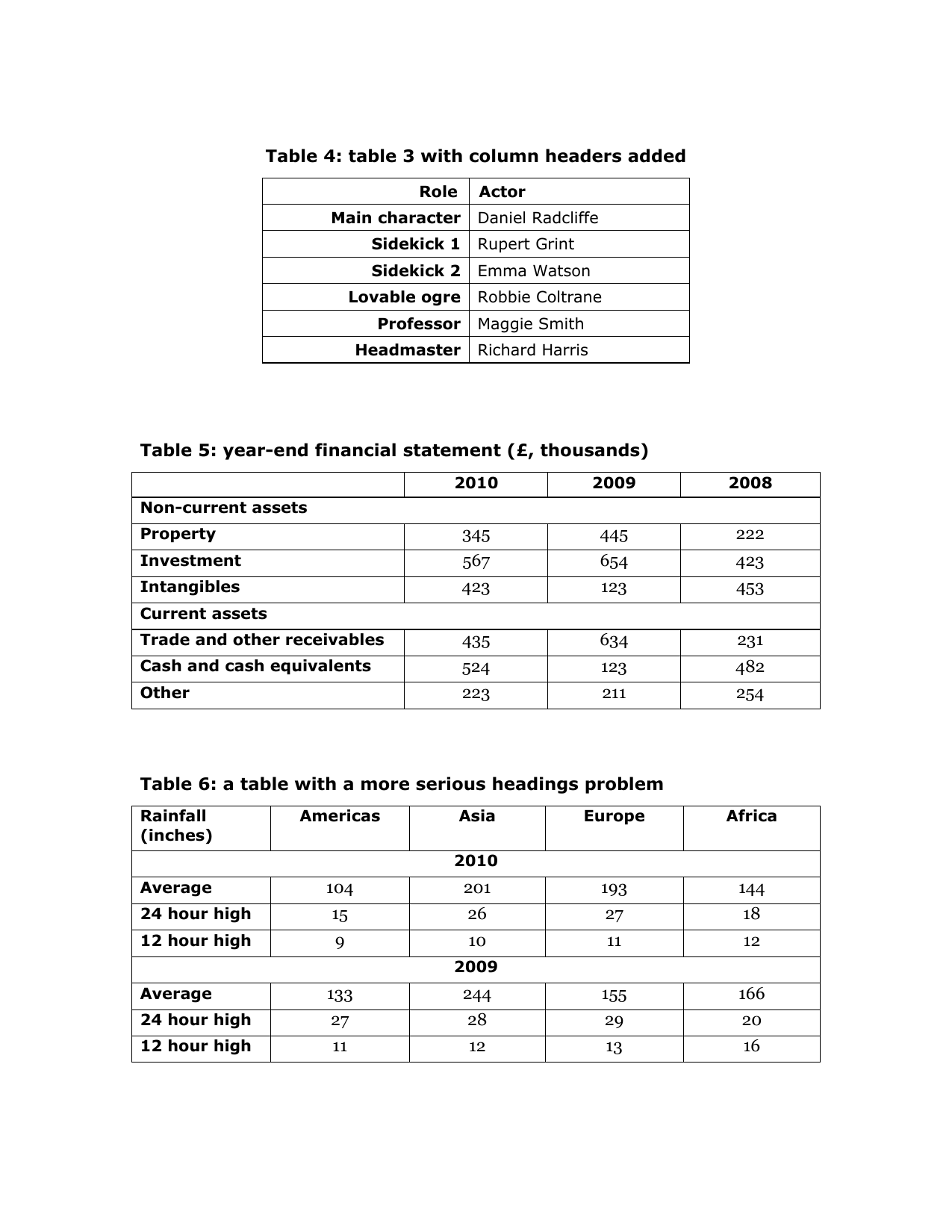 Row-heavy financial documents are a useful reminder that the real challenge is preserving structure, not merely finding text.
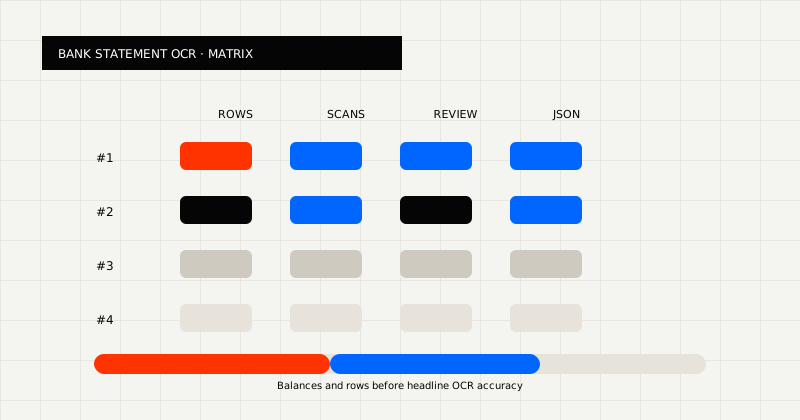 FIG 1.0 - Evaluation matrix for bank statement APIs: transaction rows, scans, review, and downstream JSON.
Before looking at products, it helps to define the actual job.
A strong bank statement OCR API should help you:
That is why “OCR accuracy” on its own is not a very useful buying standard. The better question is how much cleanup remains after extraction.
If your workflow is bank-statement-specific, evaluate these categories first:
Statement workflows usually need row-level objects, not only extracted text.
Before you pick a vendor, ask:
You should also ask whether a reviewer still needs to see the statement in a human-readable format. In many finance teams, that answer is yes, which makes dual output support more valuable than a single raw extraction mode.
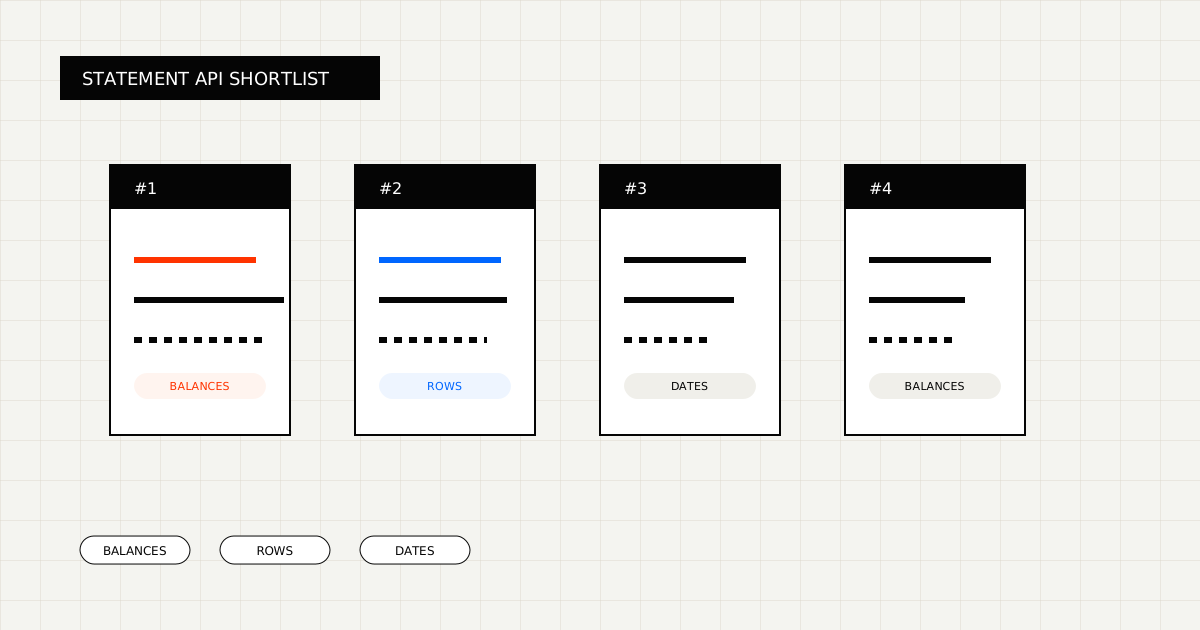
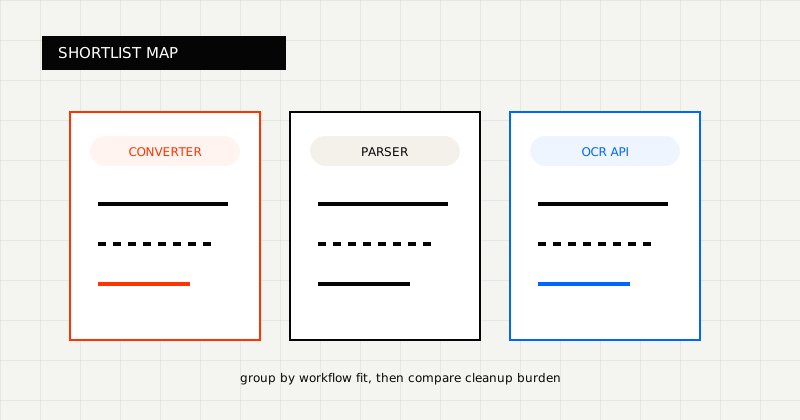 FIG 2.0 - Shortlist grouped by workflow fit.
Parser-style tools like PDF Vector are useful when the main goal is a fast conversion or readable parsed output.
OCR products and extraction APIs fit better when:
That is why Bank Statement OCR API is often a better fit than a generic PDF parser when balances and transaction rows must stay structured for downstream systems.
Best for teams that need statement extraction to land close to a real downstream record.
LeapOCR is strongest when:
What stands out:
Best for converter-style workflows and readable parsed output.
If the main goal is to get a statement into an easier-to-read format quickly, parser-led tools like PDF Vector can be attractive. The tradeoff is that many finance teams still need another layer to reconstruct balances and row-level objects reliably.
Best for teams with stable layouts and a template mindset.
These tools are worth considering when the document family is tight and business users want a mailbox-style or parser-rule workflow. They become less attractive as layout drift and scanned statements increase.
Best for parsing-first or AI-pipeline workloads.
These products are useful when statements are more like content sources for retrieval or AI workflows. They are usually a weaker category fit when the result must become a trusted bookkeeping or underwriting record.
If the main goal is quick conversion or readable output, parser-style tools such as PDF Vector Bank Statement Converter can be useful.
If the workflow needs structured balances, transaction arrays, validation, or downstream writeback, OCR APIs and schema-first extraction tools are usually the stronger category fit.
That distinction matters because bank statement automation usually breaks after conversion, not before it.
LeapOCR is usually the better fit when:
It is also a strong fit when the workflow needs more control over the output itself. For example:
That matters because statement workflows are often operational, not experimental. The output has to be usable without a lot of post-extraction glue.
If you are comparing tools, build a batch that includes:
Then score each tool on:
That scorecard will tell you more than polished marketing copy alone.
Start with:
The best bank statement OCR API is the one that leaves the least cleanup after extraction.
If your workflow needs transaction-ready data, not only readable output, optimize for structured extraction and downstream fit instead of generic parsing alone.
Try LeapOCR on your own documents
Eligible paid plans include a 3-day trial with 100 credits after you add a credit card, so you can test actual PDFs, scans, and forms before committing to a rollout.
Keep reading
More implementation guides, benchmarks, and workflow notes for teams building document pipelines.
A practical comparison of bank statement OCR and PDF parser tools, with emphasis on transaction rows, balances, and downstream fit.
A practical guide to the strongest bill of lading OCR APIs and document-extraction approaches for logistics teams.
An honest guide to invoice OCR APIs for AP teams, including when to choose a finance-specific tool, a broader workflow platform, or a schema-first OCR layer.