Published
March 23, 2026
A developer guide to scanned PDF OCR: how to decide between markdown and JSON, where PDF parsing fails, and how to build an extraction layer that still works on ugly real files.
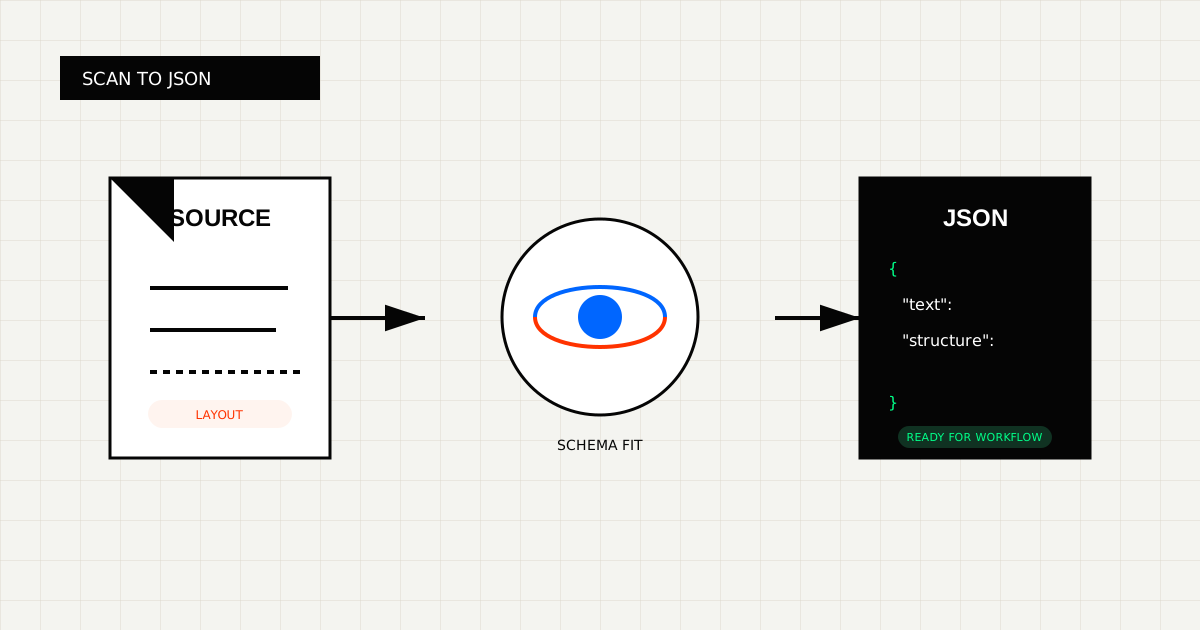
If every file in your test set came straight out of a modern export button, scanned-PDF extraction looks easy.
Production queues are not that kind. They include office scans, phone photos, re-scanned contracts, skewed invoices, and PDFs where the selectable text only covers half the page.
At that point the problem is no longer “how do I read a PDF?” It becomes “how do I return output that a person, model, or downstream system can still trust?”
This guide walks through scanned-PDF OCR from that angle: structure first, workflow second, raw text last.
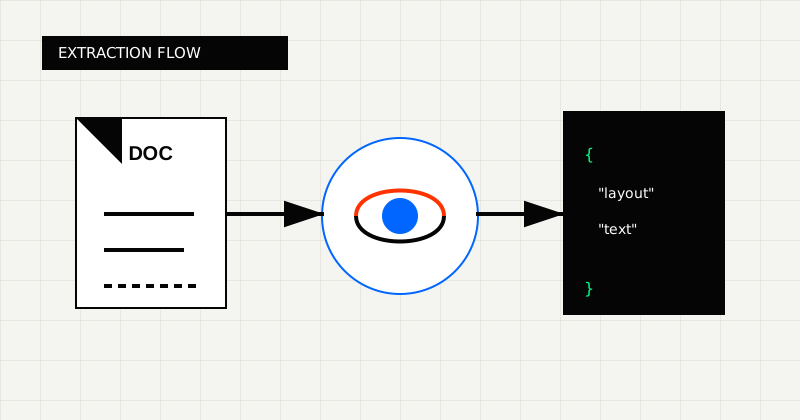 FIG 1.0 - Extraction flow from scan document to schema-fit JSON.
A scanned PDF often contains little or no machine-readable text. It is closer to a bundle of images than a structured document.
That creates three practical problems:
If the file has to become an ERP record, an AP review task, or a clean payload for another service, raw OCR text is still not the finish line.
Teams usually choose the wrong extraction tool because they ask the wrong question.
They ask:
The better questions are:
That is the lens that separates a parser that looks good on demos from an OCR workflow that still holds up on bad source files.
Before choosing a model or SDK, decide what the next consumer needs.
If that is your workflow, a PDF to Markdown API is usually the cleanest fit.
If that is your workflow, start with a PDF to JSON OCR API.
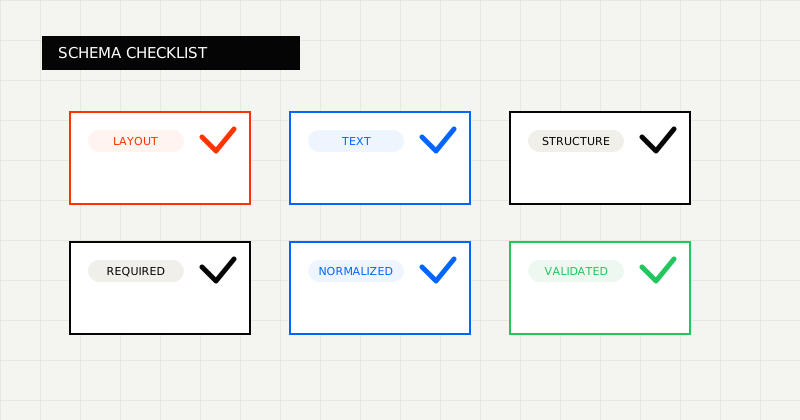 FIG 2.0 - Validation checklist highlighting the fields and failure modes that matter before downstream use.
For scanned PDFs, the safest workflow looks like this:
markdown or structuredWhat matters here is that validation is not optional. On scanned files, success from the API does not always mean success for the business process.
import { LeapOCR } from "leapocr";

const client = new LeapOCR({
  apiKey: process.env.LEAPOCR_API_KEY,
});

const job = await client.ocr.processURL("https://example.com/scanned-invoice.pdf", {
  format: "markdown",
  instructions: "Keep headings and tables intact. Normalize dates where possible.",
});

const result = await client.ocr.waitUntilDone(job.jobId);

console.log(result.pages[0].text);
This works well when your main need is readable output for review, search, or LLM context building.
import { LeapOCR } from "leapocr";
import { z } from "zod";

const InvoiceSchema = z.object({
  invoice_number: z.string().nullable(),
  invoice_date: z.string().nullable(),
  total_amount: z.number().nullable(),
  currency: z.string().nullable(),
});

const client = new LeapOCR({
  apiKey: process.env.LEAPOCR_API_KEY,
});

const job = await client.ocr.processURL("https://example.com/scanned-invoice.pdf", {
  format: "structured",
  schema: z.toJSONSchema(InvoiceSchema),
  instructions:
    "Extract invoice header fields. Return null when a field is not confidently present.",
});

const result = await client.ocr.waitUntilDone(job.jobId);

console.log(result.pages[0].result);
This is the better path when the document has to power automation, validation, or a downstream record.
This happens when you get page text without structure. Tables collapse, labels drift, and downstream systems still cannot consume the output.
A lot of parsing tools look strong until the queue includes:
This is the most expensive failure mode. The OCR label looks correct, but the business process still depends on manual normalization.
Use a test set that includes your worst real files, not only clean samples.
Score each option on:
If you are evaluating alternatives, start with LeapOCR vs PDF Vector for a close comparison on parsing-first versus extraction-first workflows.
A good scanned-PDF workflow should give you four things:
That is usually strongest for:
For scanned PDFs, the goal is not to extract the most text. The goal is to keep enough structure that the next step does not collapse.
That usually means choosing the output contract first, then choosing an OCR layer that can keep that contract intact across messy, real-world files.
If you want readable extracted text, start with PDF to Markdown. If you need a payload another system can trust, start with structured JSON extraction. If you are evaluating the broader workflow, use the docs and run a real scanned file through the API before deciding.
Try LeapOCR on your own documents
Eligible paid plans include a 3-day trial with 100 credits after you add a credit card, so you can test actual PDFs, scans, and forms before committing to a rollout.
Keep reading
More implementation guides, benchmarks, and workflow notes for teams building document pipelines.
A production-focused guide to turning PDFs and scans into schema-fit JSON without building a brittle cleanup layer after OCR.
An honest guide to the strongest OCR APIs for developers, including when to choose a parsing-first tool, an invoice-focused API, or a schema-first OCR layer.
An honest guide to the best OCR APIs for scanned PDFs, with emphasis on messy file quality, output shape, and production workflows.