Published
March 23, 2026
An honest guide to purchase order OCR APIs for procurement and ERP workflows.
Purchase order workflows are more demanding than generic OCR categories make them sound.
The useful output is not only recognized text. It is a structured purchase-order record with headers, party blocks, and item arrays that another system can trust.
 Purchase-order workflows usually fail where item arrays, supplier blocks, and destination details need to stay separated.
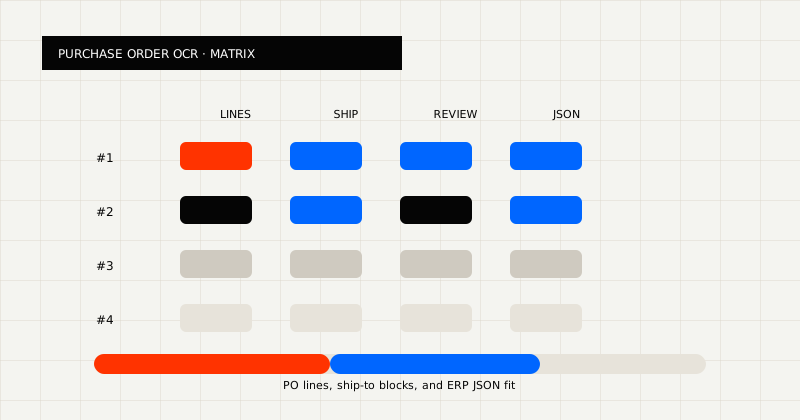 FIG 1.0 - Evaluation matrix for purchase order APIs: lines, ship-to, review, and ERP JSON.
Before choosing a vendor, ask:
Those questions matter because procurement automation rarely breaks on the PO number alone. It breaks on item arrays, ship-to detail, and downstream contract mismatches.
Good PO extraction usually needs to preserve:
Best for teams that need purchase orders to become ERP-ready JSON while keeping a review path available.
LeapOCR is strongest when:
What stands out:
Best for stable supplier layouts and parser-led workflows.
These products can work well when the PO family is narrow and highly repeatable. They become harder to maintain when more suppliers, regions, or layout variants enter the queue.
Best for readable extraction or earlier-stage exploration.
If the team mainly needs to inspect the file rather than write it back into an ERP, parser-style products can still be useful.
Purchase-order automation fails when the extracted record does not match the receiving workflow.
For example:
That is why the best purchase-order OCR API is usually the one that lands closest to the receiving system, not the one that only shows the prettiest extraction screenshot.
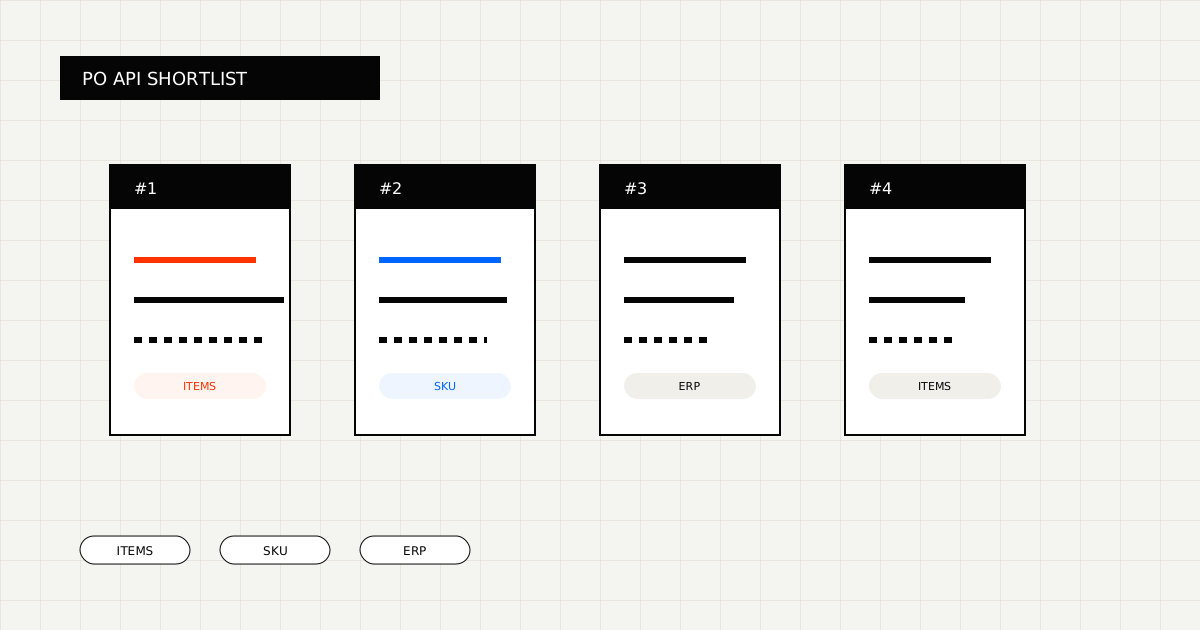
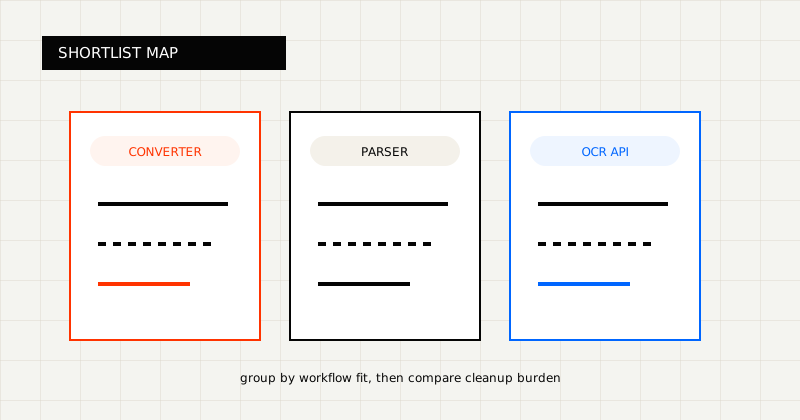 FIG 2.0 - Shortlist grouped by workflow fit.
LeapOCR is strongest when:
It is also useful when the output needs to be customized instead of merely extracted. For example:
That kind of control matters because procurement teams usually care about the handoff into the ERP or approval workflow, not just whether text was recognized.
Useful pages:
Use a batch that includes:
Score each tool on:
The best purchase-order OCR API is the one that preserves the item array and fits the next system with the least cleanup.
Try LeapOCR on your own documents
Eligible paid plans include a 3-day trial with 100 credits after you add a credit card, so you can test actual PDFs, scans, and forms before committing to a rollout.
Keep reading
More implementation guides, benchmarks, and workflow notes for teams building document pipelines.
A practical guide to converting purchase orders into ERP-ready JSON with headers, ship-to details, and item arrays.
A practical comparison of bank statement OCR and PDF parser tools, with emphasis on transaction rows, balances, and downstream fit.
An honest look at the strongest bank statement OCR APIs and parser-style alternatives, with a focus on transaction rows, balances, and downstream workflow fit.