Published
March 23, 2026
A practical guide to the strongest bill of lading OCR APIs and document-extraction approaches for logistics teams.
Bill of lading workflows are where generic OCR tools often stop looking good.
The documents are dense, layout-heavy, and operationally sensitive. The workflow usually needs shipper and consignee blocks, routing details, and cargo lines in a structure another system can actually use.
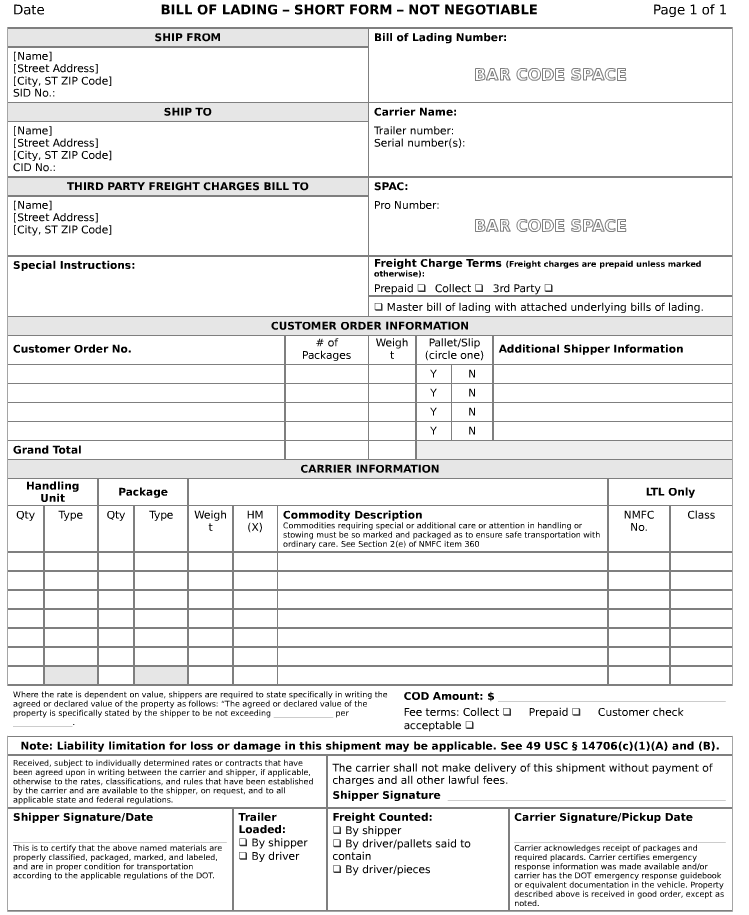 Bills of lading combine party blocks, shipment metadata, and row-heavy cargo detail. That mix is where generic OCR starts to struggle.
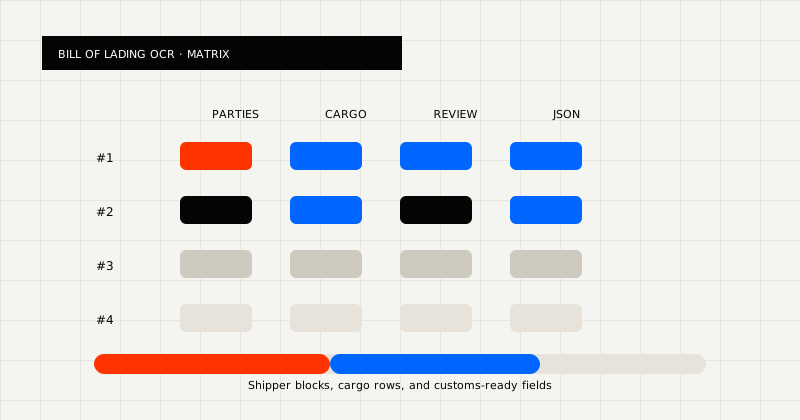 FIG 1.0 - Evaluation matrix for bill of lading APIs: parties, cargo rows, review, and JSON.
Bills of lading often combine:
That means the useful output is not only text. It is shipment-ready JSON.
Before you choose a tool, ask whether it can:
Those questions matter more than headline accuracy claims alone.
It also helps to ask a fifth question: can the same tool handle the messier documents in the queue, not only the prettiest sample BOL?
Best for teams that need BOL extraction to land in their own operations stack.
LeapOCR is strongest when the workflow needs:
What stands out:
Best for layout-stable, parser-led document families.
If your BOL queue is narrow and consistent, template-style tools can work. The problem is that many real logistics queues are not narrow or consistent for long.
Best for buyers comparing broader freight or finance-adjacent automation products.
Products like Veryfi freight and customs documents automation are worth benchmarking when the team wants a commercial OCR platform with logistics positioning.
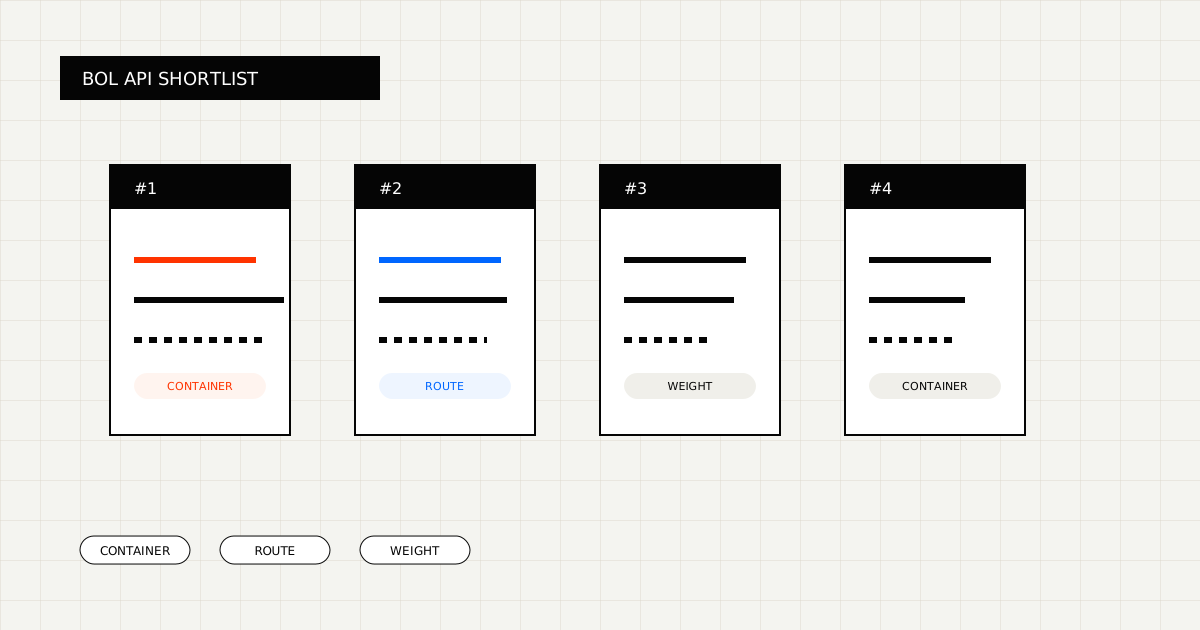
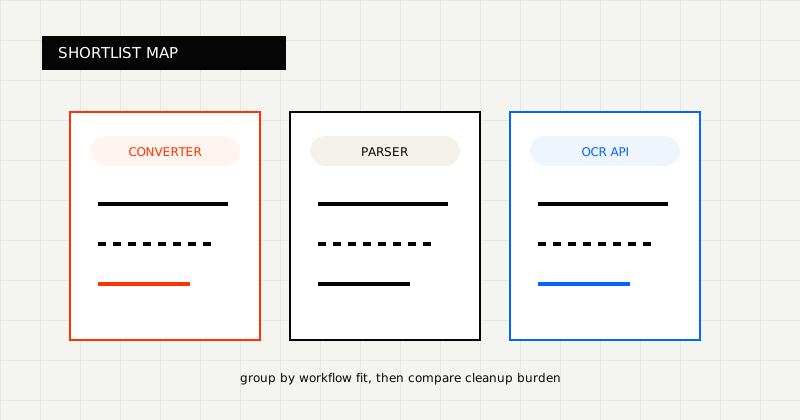 FIG 2.0 - Shortlist grouped by workflow fit.
If you want category context, these are reasonable comparison points:
They are useful benchmarks for different reasons:
That makes the evaluation simpler: compare them against whether your team needs shipment-ready JSON, operator review, and control over the output contract.
LeapOCR is usually the better fit when:
That last point matters. A lot of logistics teams do not want another black-box workflow product. They want an extraction layer they can wire into the systems they already run.
LeapOCR is especially useful when you want to:
Start with:
When you evaluate bill of lading OCR, use a batch that includes:
Score every tool on:
That is a better measurement than generic accuracy claims or isolated demo scores.
The best bill of lading OCR API is the one that returns shipment-ready data without forcing your team to rebuild the document by hand after extraction.
That means optimizing for party blocks, cargo rows, routing data, and downstream fit, not only text recognition.
Try LeapOCR on your own documents
Eligible paid plans include a 3-day trial with 100 credits after you add a credit card, so you can test actual PDFs, scans, and forms before committing to a rollout.
Keep reading
More implementation guides, benchmarks, and workflow notes for teams building document pipelines.
A practical comparison of bank statement OCR and PDF parser tools, with emphasis on transaction rows, balances, and downstream fit.
An honest look at the strongest bank statement OCR APIs and parser-style alternatives, with a focus on transaction rows, balances, and downstream workflow fit.
An honest guide to invoice OCR APIs for AP teams, including when to choose a finance-specific tool, a broader workflow platform, or a schema-first OCR layer.