Published
January 26, 2026
Scanning is not enough. Learn how to transform decades of paper medical records into a searchable, compliant, and structured data asset.
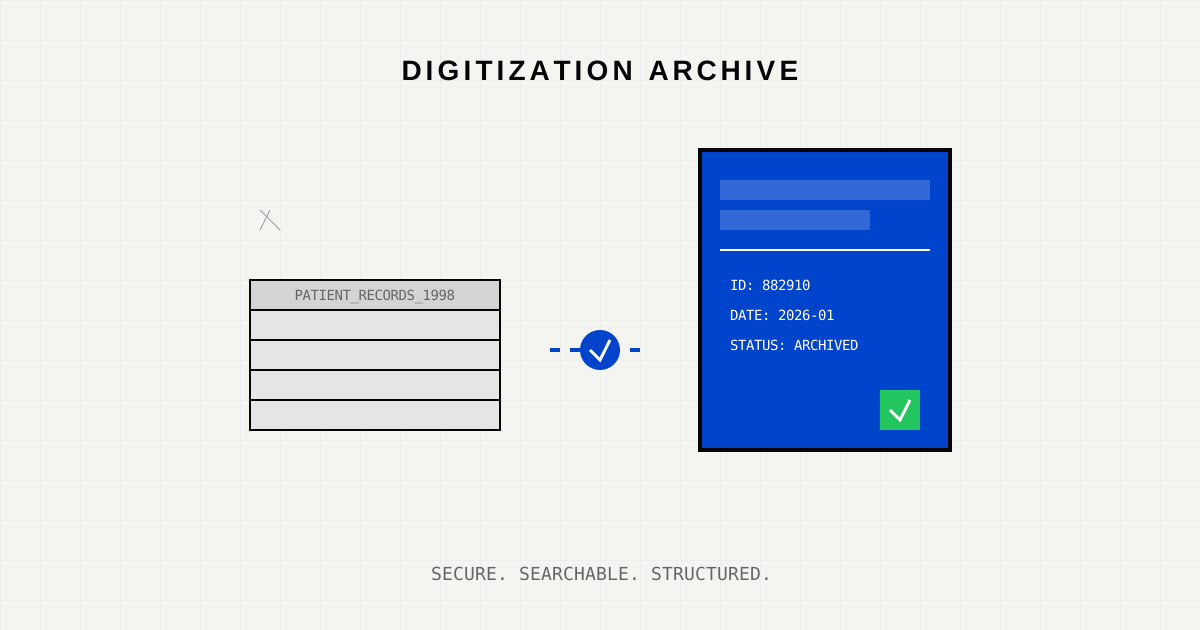
Hospitals and clinics sit on a goldmine of data that they cannot access. Decades of patient history, treatment outcomes, and family lineages are trapped in physical warehouses, stored in bankers’ boxes that gather dust.
While most modern health systems have moved to Electronic Health Records (EHR), the legacy archive remains a massive liability. Retrieving a file takes days. Physical pages degrade. And in a disaster (fire, flood), that history is lost forever.
But simplistic “scan-to-PDF” projects often fail. They create a “digital landfill”—thousands of unsearchable PDFs named SCAN_001.pdf.
True digitization requires converting paper not just into pixels, but into structured data.
Successful archival projects treat digitization as a data engineering problem, not a clerical task.
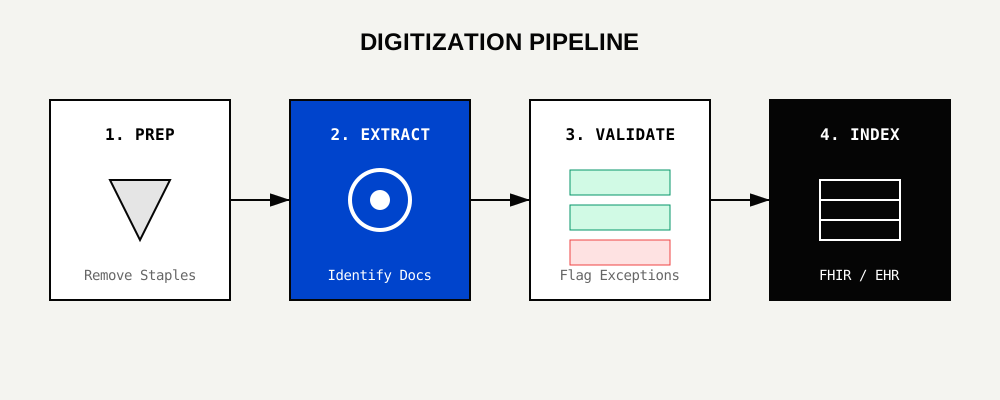
Before a single page is scanned, the archive must be segmented. A mixed box containing Billing Records, Clinical Notes, and Lab Results is a nightmare for AI models.
Garbage in, garbage out. Lowering DPI to save storage space is a fatal mistake.
This is where LeapOCR differentiates itself. Instead of just OCRing the text, we extract schema-compliant data.
A general OCR tool sees text. We see entities:
YYYY-MM-DD.BP: 120/80).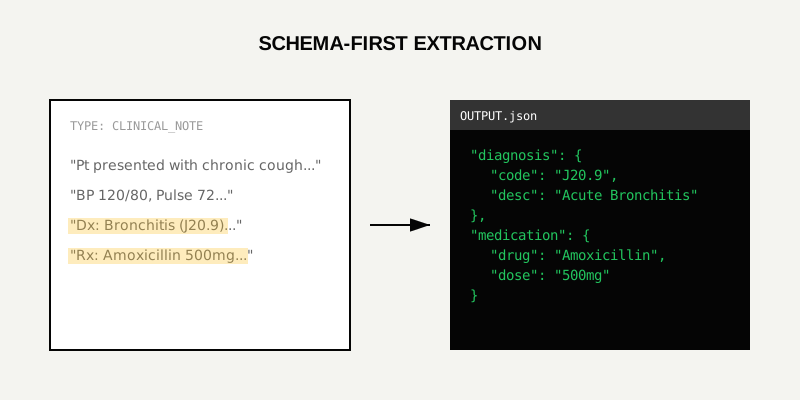
Data must be validated before it enters the “Permanent Record.” If the extracted Date of Birth is 2050-01-01, the system flags it for human review. Once validated, data is indexed into a search engine (like Elasticsearch) or directly into an FHIR-compliant store.
The ROI of digitization isn’t just saving warehouse space costs (though that is significant). It is the ability to query 30 years of history in milliseconds.
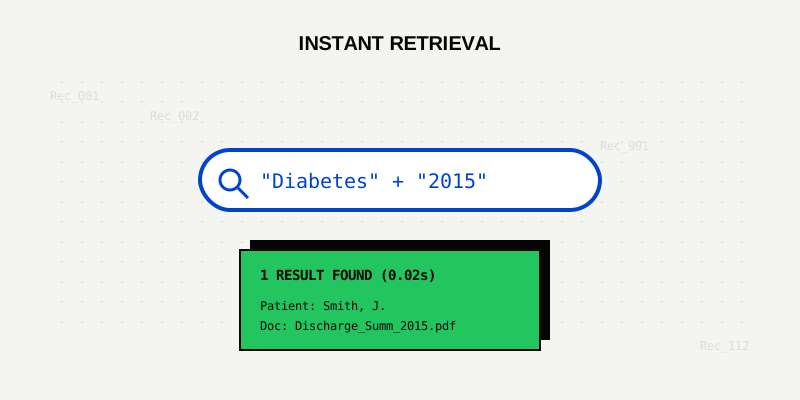
Imagine a physician asking: “Show me all patients treated for Lung Cancer between 2015 and 2020 who were prescribed Immunotherapy.”
Digitizing PHI (Protected Health Information) introduces new risks. You are moving sensitive data from a locked room to a network.
Your paper archive is not trash; it is legacy data. By applying modern AI extraction, you can revive this dormant asset, improving patient care and research capabilities while permanently reducing storage overhead.
Start your digitization pilot. Learn about the Medical Record Extraction API or read the HIPAA Compliance Whitepaper.
Try LeapOCR on your own documents
Eligible paid plans include a 3-day trial with 100 credits after you add a credit card, so you can test actual PDFs, scans, and forms before committing to a rollout.
Keep reading
More implementation guides, benchmarks, and workflow notes for teams building document pipelines.

A balanced look at what AI automates well, where humans still dominate, and how to combine both for the best outcomes.
Common failure points in automated coding and the practical fixes that make systems reliable.
How confidence thresholds turn AI extraction into a safe, reviewable workflow for medical coding and billing.